BaumaScan

THE BAUMASCAN APP

Scan once.
Later, check measurements.

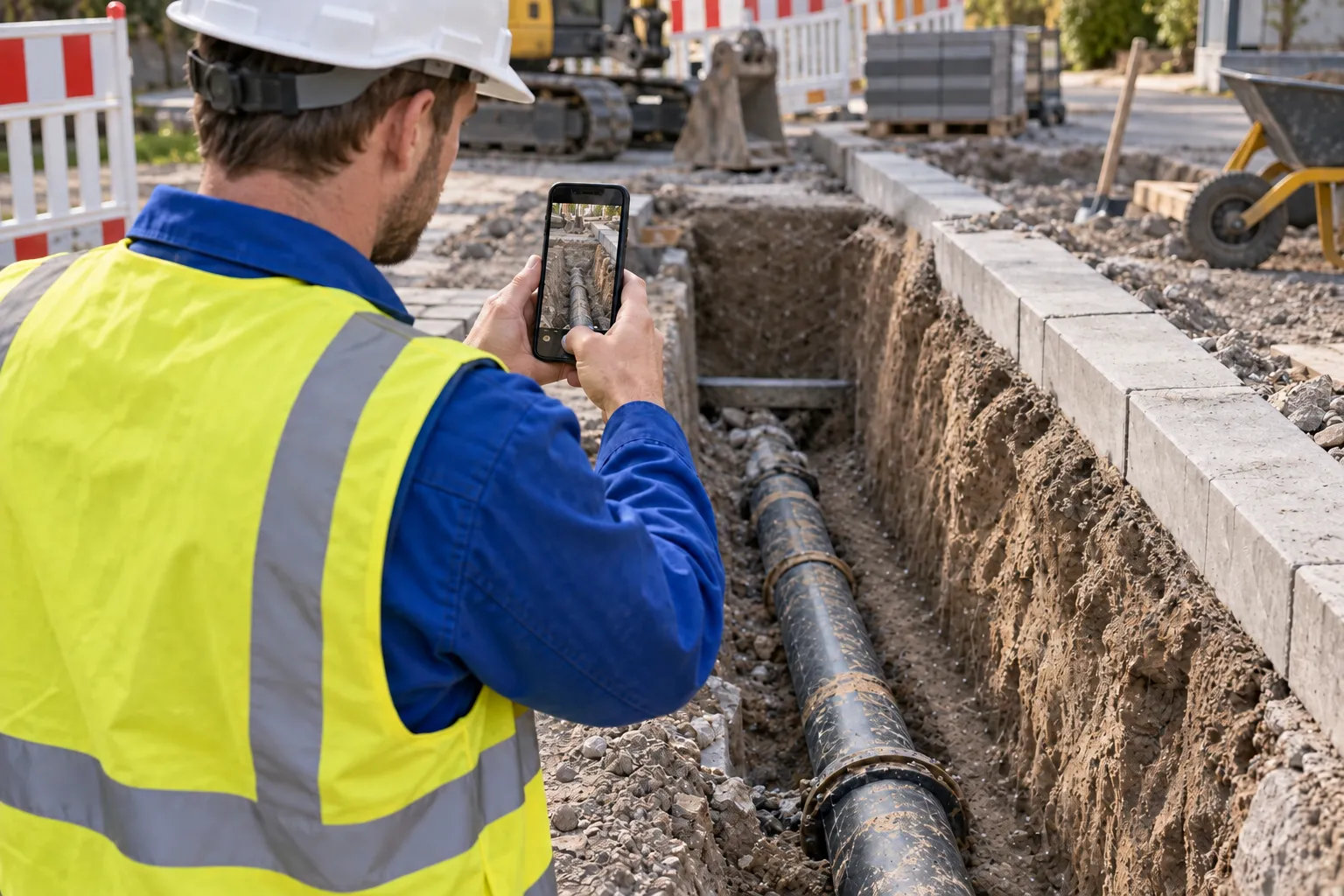
The utility trench is backfilled, and a measurement is missing at the office. Capture your site in 3D beforehand with the smartphone you carry.

For Android with ARCore Depth and iPhone Pro / Pro Max from the 13 series.

CaptureCapture3D model

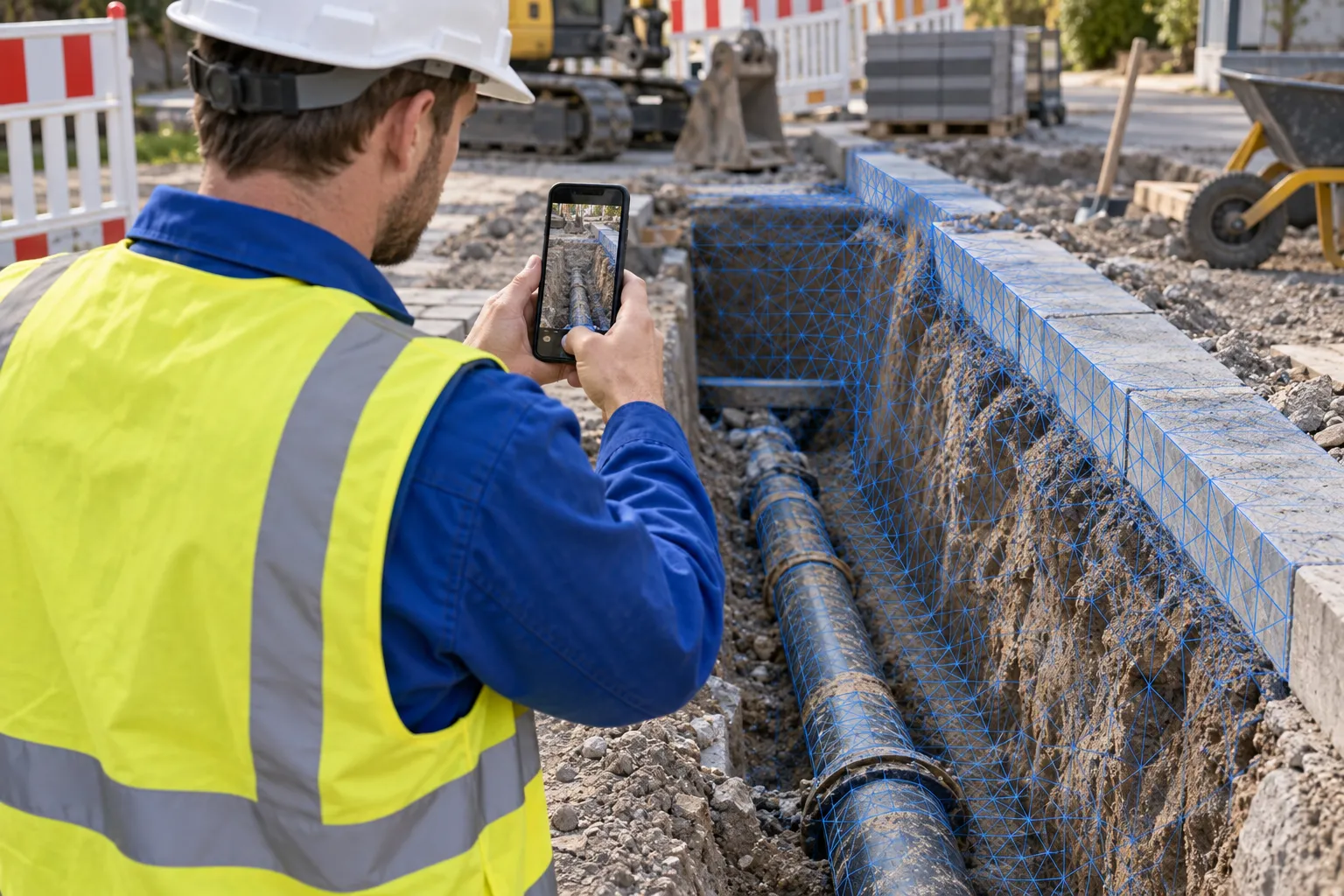
Illustration of the scanning process · Model calculation after recording

Scan. Take your 3D model with you. Check measurements later.

FROM THE CONSTRUCTION SITE TO THE MODEL

You walk around the construction site.
Your scan comes with you.

Does this work with my phone?Check your model in the device search

Rooms, excavations, pipes or outdoor facilities: You record the visible surfaces and use them to create a digital basis for further work.

  1. 01

    Open the app. Start scanning.

    Open BaumaScan on a supported smartphone and start capturing. Choose the area you want to have available digitally later.

  2. 02

    Move. Capture details.

    Walk slowly around the area. Capture surfaces and edges from several angles, making sure the images overlap.

  3. 03

    Process on your phone. Keep working.

    Finish the scan. On both Android and iOS, the app creates the 3D model locally on your smartphone. To open, measure and share it in BaumaPortal, upload the finished model over an internet connection.

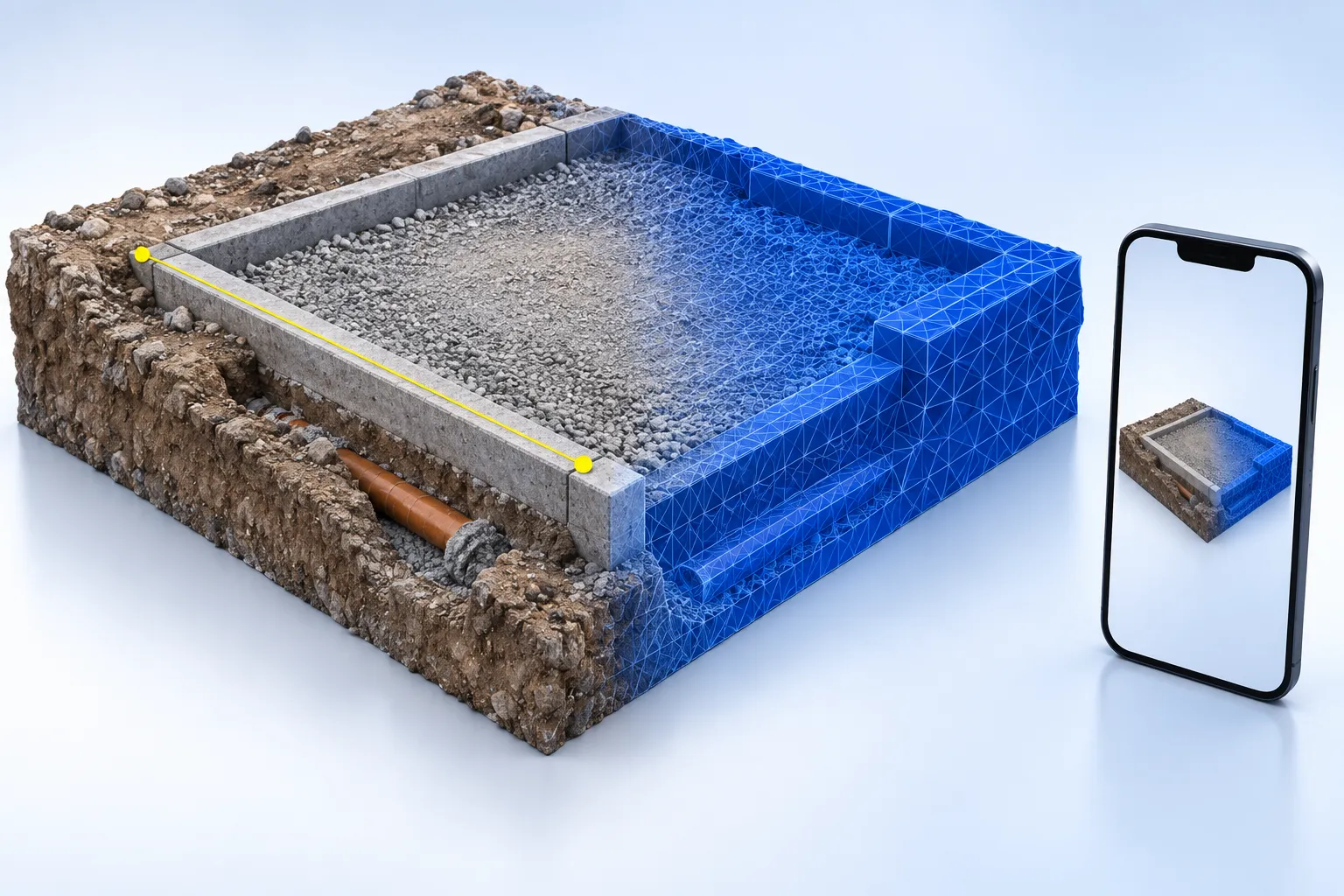
Illustration of a scanned construction site area: real surfaces merge into a blue 3D mesh; a line marks a measurable edge.
Illustration: from the captured area to the digital model.

WHAT THIS MEANS FOR YOU

The construction site remains.
Even if you leave.

Your 3D model shows what you captured on site. Revisit details, check distances and share the recorded condition with your team.

  • Measure detected edges and distances later
  • Document conditions before backfilling or covering
  • Clarify queries together on the same model
Get to know the BaumaPortal →

TWO WAYS TO 3D SCAN

iPhone or Android?
Both can scan.

The process is similar. How the spatial data is collected depends on your smartphone.

LiDAR + camera

iPhone Pro & Pro Max

Camera images combined with measured depth data.

The iOS app uses the iPhone’s LiDAR sensor to measure distances to visible surfaces while the camera captures their appearance. Together, these provide the spatial data for your scan.

Which iPhone can I use?

iPhone 13 Pro / Pro Max and newer Pro or Pro Max models only. Standard, Mini and Plus models are not supported by the iOS app.

View in the App Store ↗

Is your iPhone compatible?

Select the exact model variant from the results.

    Device list check · Updated September 27, 2026 · Apple model list

    Camera + ARCore Depth

    Android smartphones

    Spatial data from images and movement.

    The Android app captures camera images and tracks the smartphone’s movement. ARCore Depth is required to supply depth data. The app combines these images and depth data to create the 3D model locally on your phone.

    Which Android device can I use?

    A smartphone that supports the ARCore Depth API. This is mandatory for BaumaScan; ARCore without depth is not enough. A LiDAR sensor is not required.

    View on Google Play ↗

    Does your device support ARCore Depth?

    Select the exact model variant from the results.

      Device list check · Updated September 27, 2026 · Google device list

      Which Android phones support Depth?

      Examples from Google's official list of devices with Depth API support:

      • Samsung Galaxy: S23, S23 Ultra, S24, S24 Ultra, A54 5G and A55 5G
      • Google Pixel: 6, 6 Pro, 7, 7 Pro, 8 and 8 Pro
      • Xiaomi: 13, 13 Pro, 13 Ultra and 13T
      • OnePlus: 11 5G, 12 and 13

      This is a selection, not a complete BaumaScan device list. Check the exact model variant in the Google list for the entry “Supports Depth API” and the availability of the BaumaScan app on Google Play.

      Check full Google device list ↗

      Source: Google ARCore device list · checked on September 27, 2026.

      Depth means distance. Depth describes the distance from the camera to a surface. On supported Android devices, ARCore can derive this information from a sequence of camera images and the movement of the phone. ARCore device overview ↗

      iPhone as part of the BaumaScan AllInOne package

      BAUMASCAN ALLINONE

      No suitable cell phone?
      Start here.

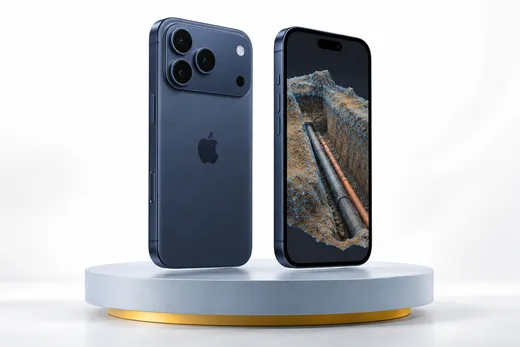
      iPhone 17 Pro with 256 GB in deep blue + one year of BaumaScan Premium. The package for everyone who wants to document their construction site digitally and still needs the right smartphone.

      €1,299including VAT · iPhone + 1 year PremiumDiscover package

      THIS WILL MAKE YOUR SCAN BETTER

      Move steadily.
      Capture more.

      01

      Multiple angles

      Walk around the area. Overlapping images help to capture surfaces and edges coherently.

      02

      Good lighting and clear views

      Keep surfaces clearly visible. Anything hidden or not captured will be missing from the model.

      03

      Check important details

      Make a point of capturing connections, edges and junctions. Scan quality and capture conditions affect your measurements.

      BRIEFLY EXPLAINED

      Questions about the app.

      Can I scan with iPhone and Android?

      Yes. BaumaScan supports scanning on both platforms. The iOS app is only for iPhone 13 Pro / Pro Max and newer Pro or Pro Max models. Android requires ARCore Depth API support; ARCore alone is not enough.

      What is depth data?

      Depth data describes the distance between the camera and visible surfaces. Combined with camera images, it helps capture the 3D shape of a scene. On iPhone, LiDAR provides this data. On supported Android devices, ARCore can calculate it from motion and camera images.

      Does my Android smartphone need a LiDAR sensor?

      No. The Android app captures camera footage and camera movement. For BaumaScan, your Android device must support ARCore Depth. The app uses this to record depth data in addition to the camera images. The app creates the 3D model locally on your smartphone from the camera images and the depth data provided by ARCore Depth.

      How do I get a good scan?

      Move your smartphone steadily, capture the area from several angles and ensure good lighting. Pay particular attention to important edges and details. The quality and completeness of your capture affect the resulting model and measurements.

      Can I check a forgotten measurement later?

      Check measurements on captured areas of the completed 3D model in BaumaPortal. The relevant surfaces and edges must be present in the scan. You can then resolve many questions directly using the digital model.


      YOUR NEXT SCAN BEGINS HERE

      Get the construction site
      on your smartphone.

      Download BaumaScan and start it with a supported device.

      YOUR QUESTIONS. ANSWERED IN PERSON.

      Is BaumaScan right
      for your business?

      Still unsure or have questions? Tell us about your day-to-day work. In a free 15-minute consultation, we will explore how you could use BaumaScan.

      Prefer to try it yourself? Open the portal demo
      15 minutes for your questionsFree of charge and without obligation
      Book a free consultation (Calendly opens in a new tab)

      Choose your desired date at Calendly.

      BaumaScan

      YOUR SITE. CAPTURED DIGITALLY.

      30 days.
      Every feature.

      Try BaumaScan and BaumaPortal free for 30 days. Capture your site in 3D and work with your scans directly in your browser.

      Start your 30-day free trial

      Available once per account when you subscribe through the portal. A credit card is required. After the trial, your chosen plan renews automatically as a paid monthly subscription unless you cancel beforehand.