Measure lengths
Select two points on the captured model and check the distance.

BAUMAPORTAL · YOUR CONSTRUCTION SITE IN THE BROWSER
Missing a measurement? A connection is covered, or the office needs an overview? Open the captured condition in BaumaPortal. Review details, check measurements and share the scan with the people who need it.
WHEN A PHOTO DOES NOT SHOW EVERYTHING
In the 3D model, recorded areas and installations remain spatially connected. Rotate the view, zoom in on a detail and examine the area in question.
Select two points on the captured model and check the distance.
Mark out a surface with several points to measure its area.
Set info points directly in the scan and add context with notes.
Checking measurements later requires a complete capture. Measurement quality depends on the device, scan and processing.
A PORTAL. YOUR EVERYDAY WORK.
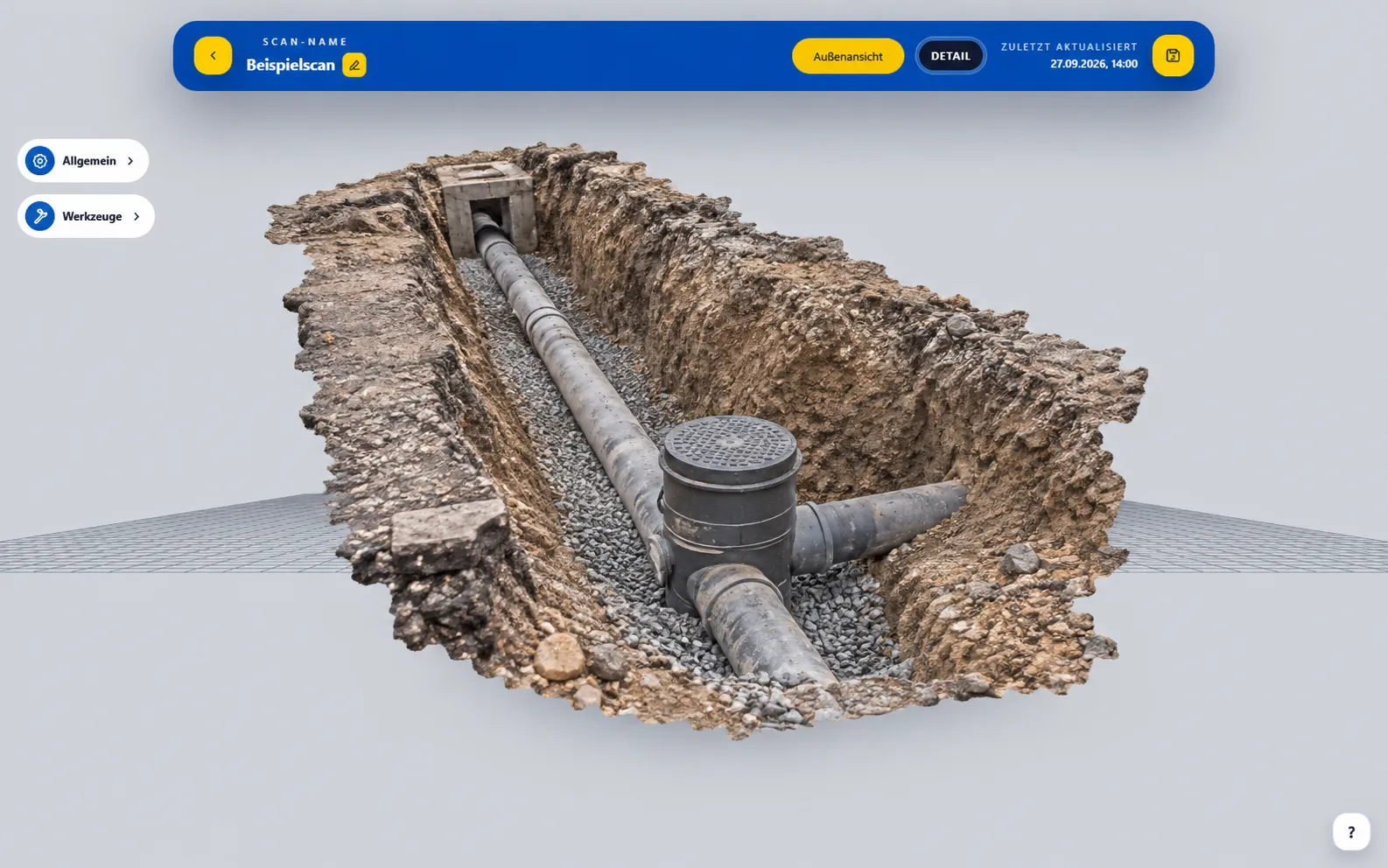
Civil engineering
Portal interface with an example visualized model.
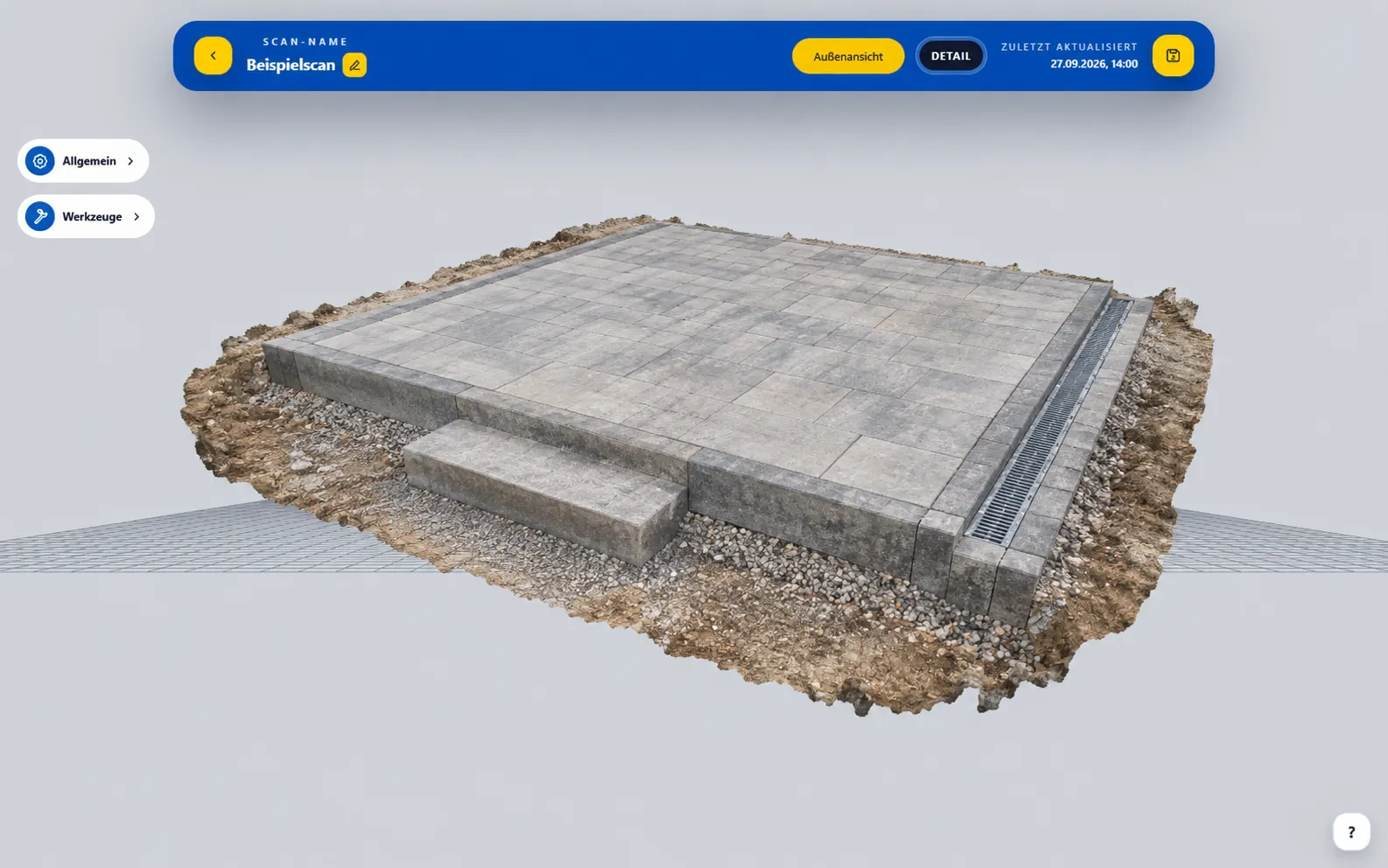
landscaping
Portal interface with an example visualized model.
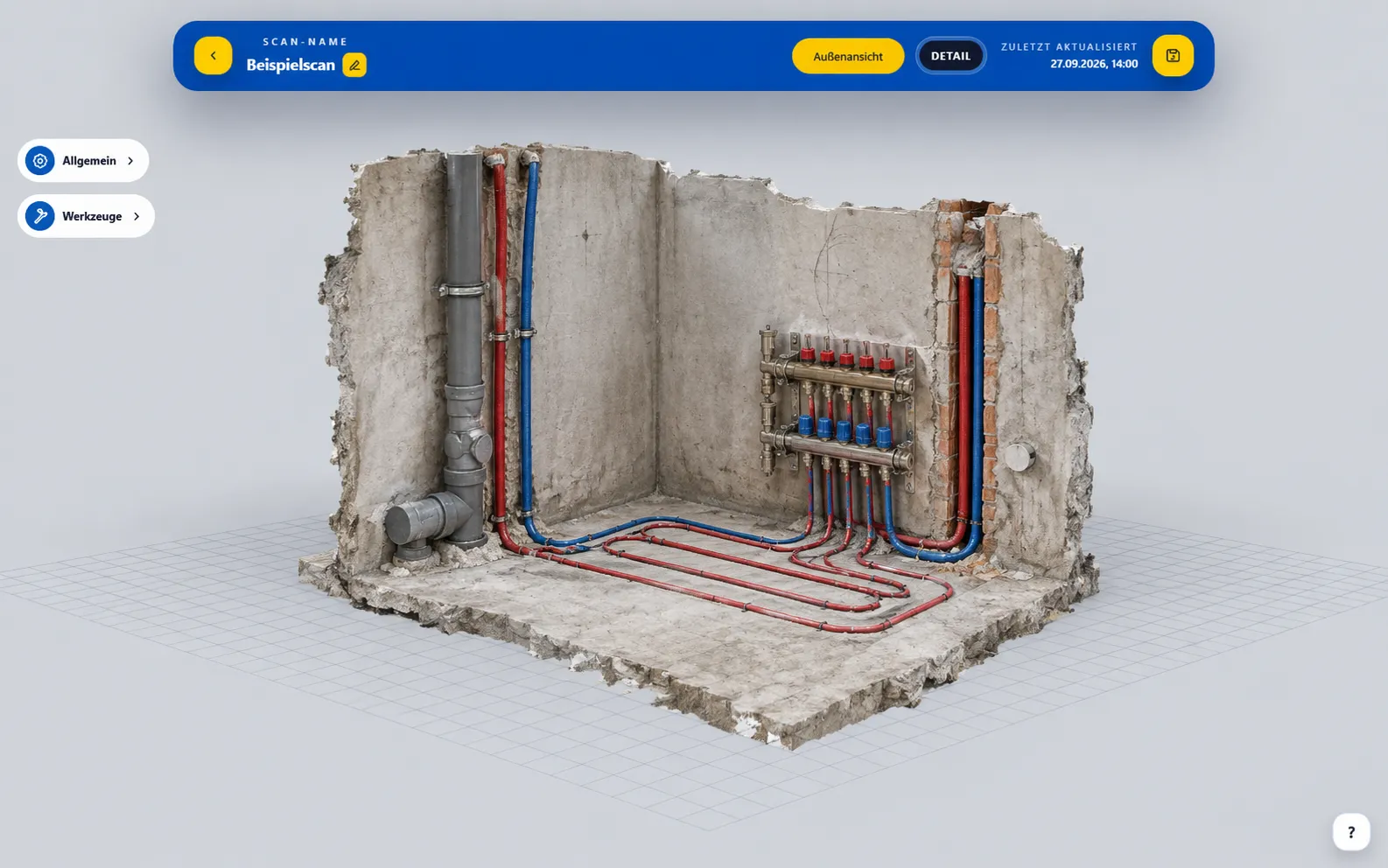
Plumbing, heating & air conditioning
Portal interface with an example visualized model.
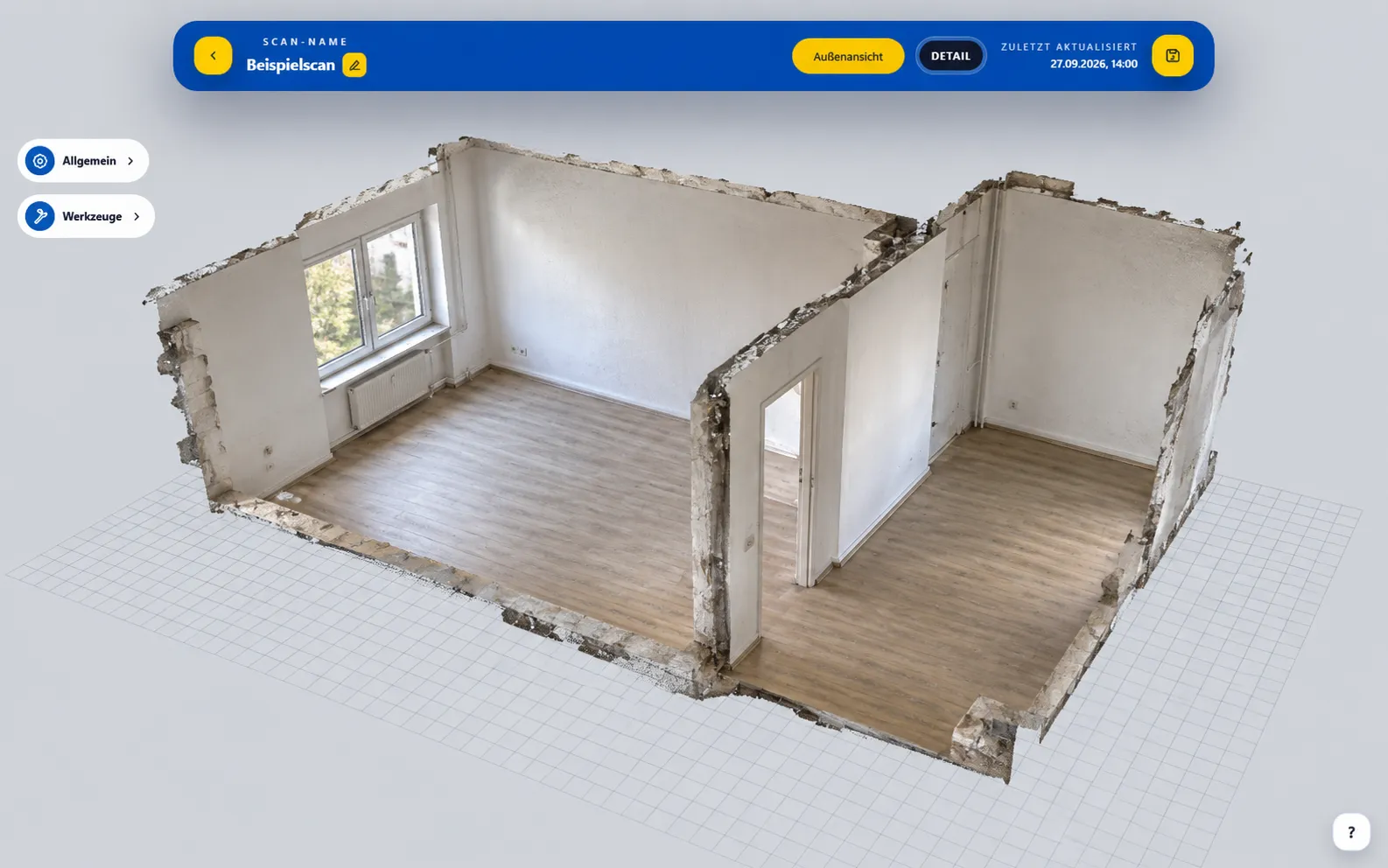
Real estate
Portal interface with an example visualized model.
FIND WHAT YOU NEED
Organize captures in folders and use search to find scans. Clear names for the site, room or construction stage help everyone understand the context.
Employee management is available for company accounts. The number of accesses depends on the available licenses.
View plans →Structure recordings according to your project.
APP AND PORTAL WORK TOGETHER
Record visible areas and important details with the BaumaScan app.
Upload the scan and track processing in the scan list.
Open the finished model, check dimensions, add notes and share the scan.
BRIEFLY EXPLAINED
Capture the site with the BaumaScan app. In BaumaPortal, organize uploaded scans, open processed models in your browser, and keep working with measurements, notes and sharing tools.
Yes, if the required surfaces were fully captured and are present in the model. Accuracy depends on the device, capture and processing. Missing or hidden details cannot be added from the scan afterwards.
In the viewer, send an email invitation or create a public link for read-only viewing. The public viewer does not allow editing or model exports.
Search for scans, organize them in folders and name folders by site or project. Company accounts also offer employee management within the available license limits.
Export existing models as GLB files in a ZIP package. Whether you can use them in your company systems depends on their import options. Talk to us about your specific workflow.
Open the portal in your browser. To create new scans with the app, you need an iPhone 13 Pro / Pro Max or a newer Pro model, or an Android device with ARCore Depth. Use the device checker on the app page.
READY FOR THE NEXT QUESTION.
YOUR QUESTIONS. ANSWERED IN PERSON.
Still unsure or have questions? Tell us about your day-to-day work. In a free 15-minute consultation, we will explore how you could use BaumaScan.
Prefer to try it yourself? Open the portal demoChoose your desired date at Calendly.