01
MEASUREMENTS & AREAS
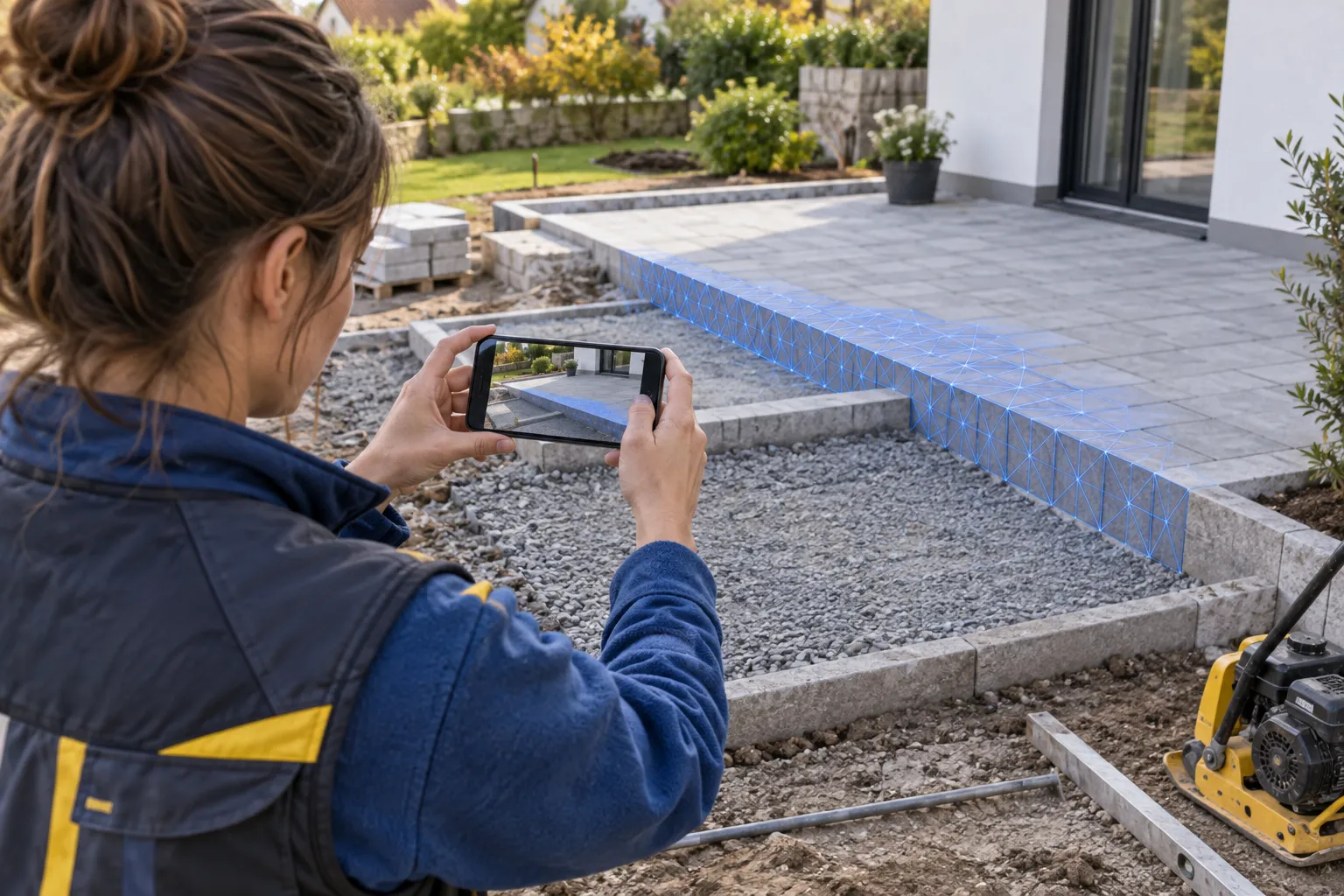
Measure terraces and paved areas.
Record terraces, paths and borders spatially. Check the dimensions of the recorded surfaces later in the portal - for questions, preparation and coordination.
Paved areas · Paths · Edging

BAUMASCAN IN GARDENING & LANDSCAPING
Capture patios, paved areas and exposed irrigation pipes in 3D. If you need a measurement later, check it on the captured surfaces in the portal and share the site condition with your team.
Capture on site. Keep working at the office.
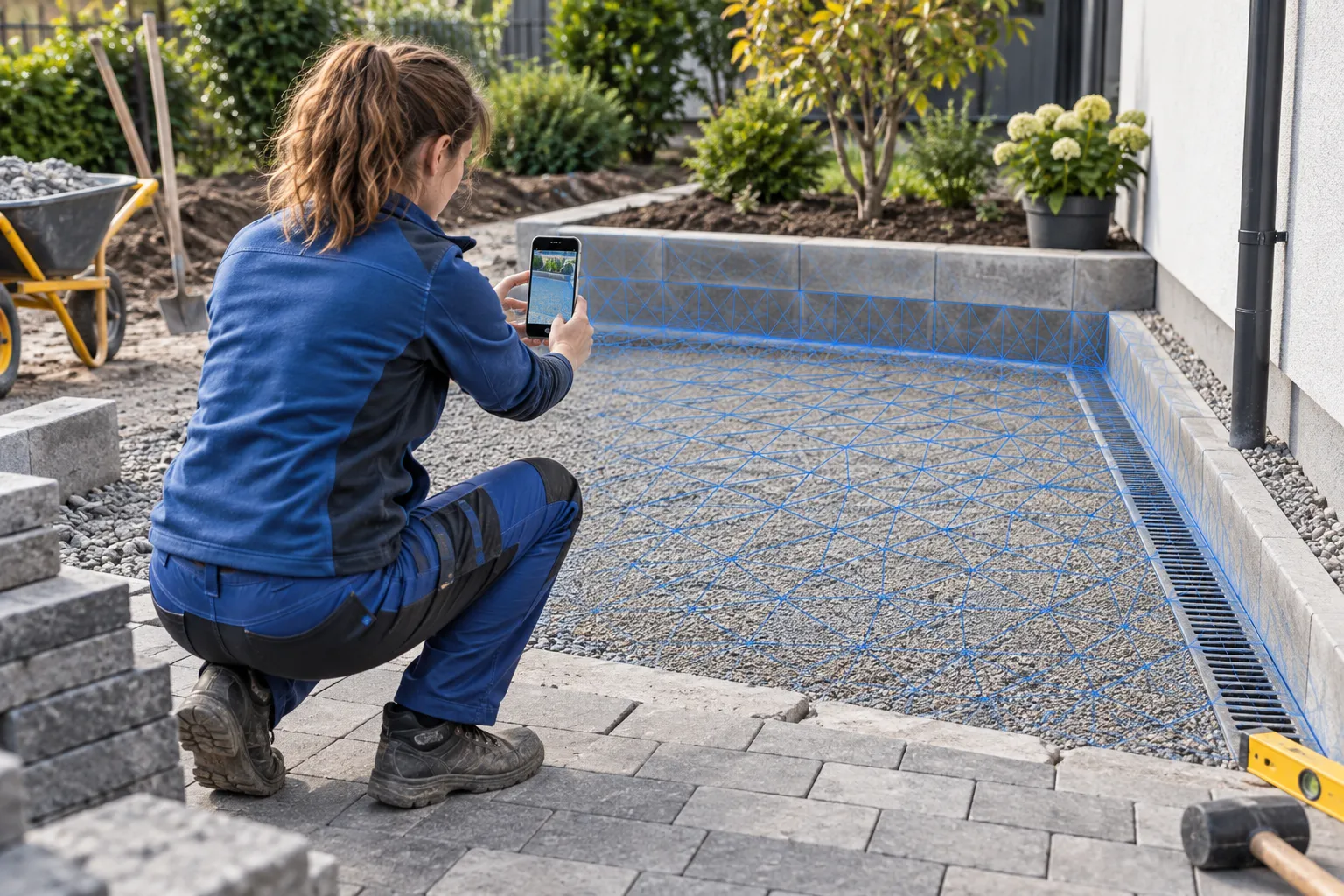
Check dimensions later
Document what will be covered
Clarify questions together
THE QUESTION OFTEN COMES UP AT THE OFFICE
How wide was the patio? How long was the edging? Those measurements are often missing when preparing a quote, planning materials or answering a customer. A scan captured beforehand gives you a 3D reference to check.
With BaumaScan you can record areas and fixtures as a spatial model. This way you can recall the state you captured instead of relying solely on individual photos or memories.
THREE SITUATIONS. ONE TOOL.
MEASUREMENTS & AREAS
Record terraces, paths and borders spatially. Check the dimensions of the recorded surfaces later in the portal - for questions, preparation and coordination.
Paved areas · Paths · Edging
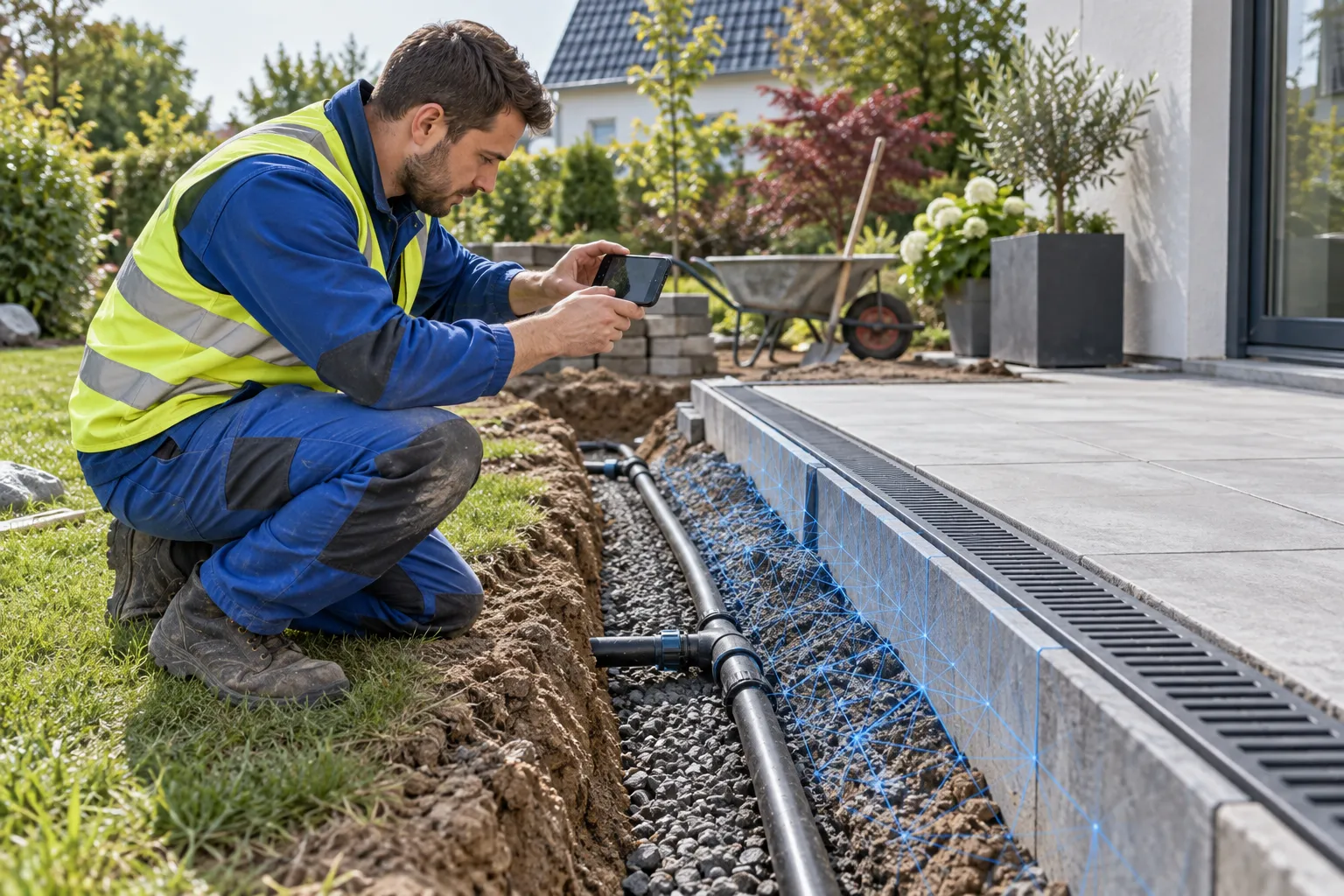
WHAT IS LATER COVERED
Capture drainage, irrigation lines and connections while they are exposed. This means your team can view the documented status again later.
Drainage · Irrigation · Connections
CONSTRUCTION PROGRESS & HANDOVER
Document important construction phases as separate scans. Discuss the recorded condition with the construction management, team or client.
Preparation · Construction phases · Handover
FROM THE CONSTRUCTION SITE TO THE PORTAL
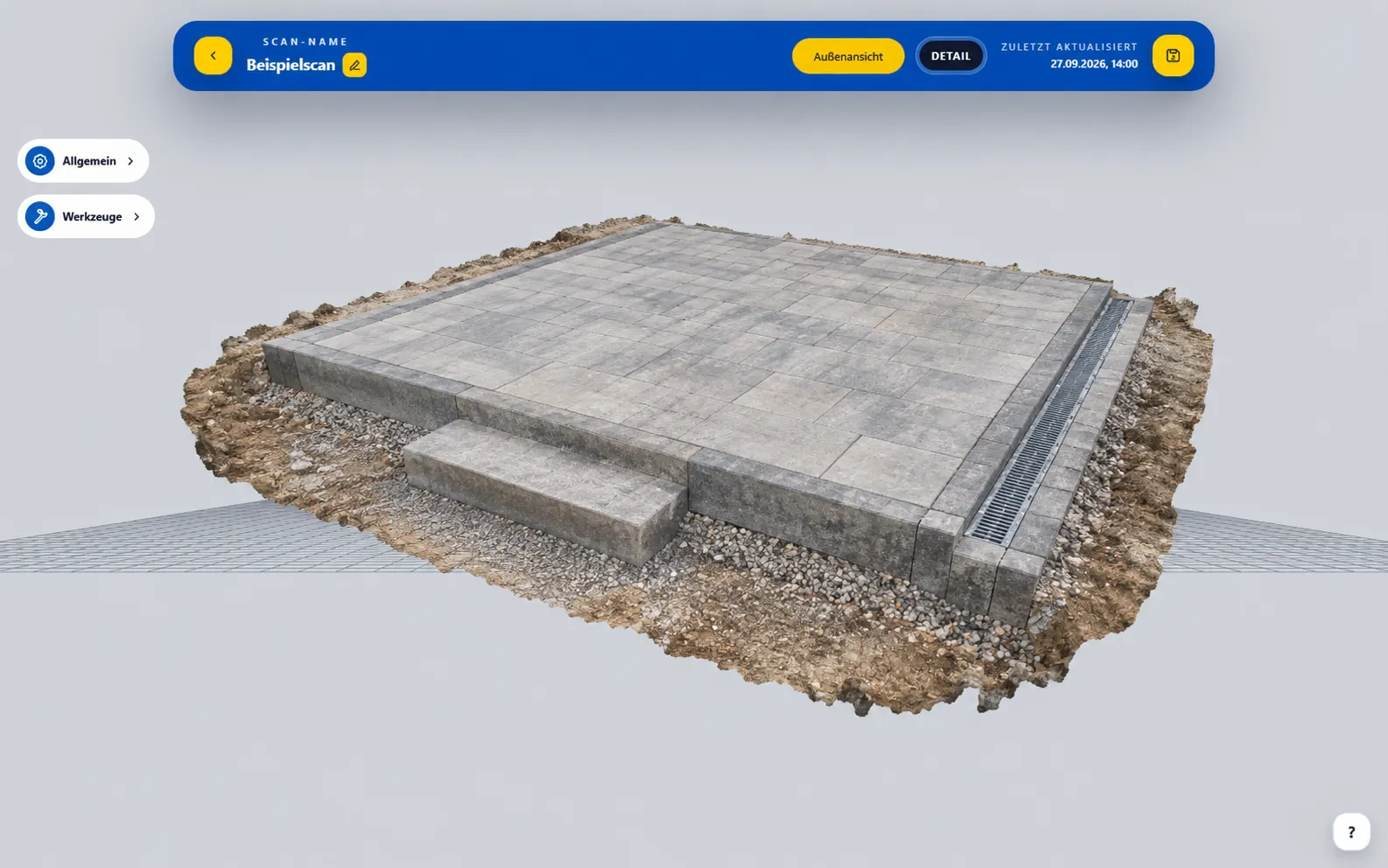 BaumaPortal with an example visualized terrace.
Walk around the area or installation with your smartphone. Capture edges, connections and details before they are obscured.
Choose unique scan names. Available location data also helps with assignment to the construction site.
Open the processed model, check dimensions and clarify any questions together with those involved.
BAUMASCAN APP + BAUMAPORTAL
From your smartphone to the office, the documented condition stays available to your team. Everyone can view the same model and discuss details directly.
Get to know the portal ↗View recorded areas and installations from different perspectives.
Check dimensions of recorded surfaces and clarify any questions.
Share scans or export models to compatible software.
MORE QUESTIONS?
Open the previously created scan in the BaumaPortal and check the dimensions of the recorded area or edge. This only works if the relevant area is included in the scan. Without a suitable recording, a new recording on site is necessary.
With a compatible smartphone you can capture visible surfaces, edges and borders as a 3D model and then measure them in the portal. The measurement quality depends on the device, recording and processing. Check whether the recording is sufficiently complete and accurate for your intended use.
For example, terraces, paths, borders, steps, walls and open drainage or irrigation pipes. Clearly visible, accessible surfaces are crucial. Moving plants, water and highly reflective surfaces can make detection difficult.
Yes, you can check dimensions of the captured surfaces in the processed 3D model. The quality depends on the device, recording and processing. Therefore, capture all relevant edges and details from multiple angles.
The scan shows the condition captured at the time. Pipes and cables must be scanned before they are covered or backfilled. BaumaScan cannot detect utilities through the ground once they are covered.
View the documented construction condition in 3D in the portal and share it for discussion. Separate scans of different construction stages add context to your records and help clarify questions.
For iOS you need an iPhone 13 Pro or Pro Max or a newer Pro model. Android requires ARCore Depth. The device search on the app page helps you check your model.
Export existing 3D models as GLB files. Further use depends on the formats your software supports. We will be happy to discuss the right workflow with you.
YOUR NEXT PROJECT. WITH YOU IN 3D.
Whether it's paving, drainage or construction progress: let's talk about your work.
YOUR QUESTIONS. ANSWERED IN PERSON.
Still unsure or have questions? Tell us about your day-to-day work. In a free 15-minute consultation, we will explore how you could use BaumaScan.
Prefer to try it yourself? Open the portal demoChoose your desired date at Calendly.