01
APARTMENT HANDOVER
Document rooms at handover.
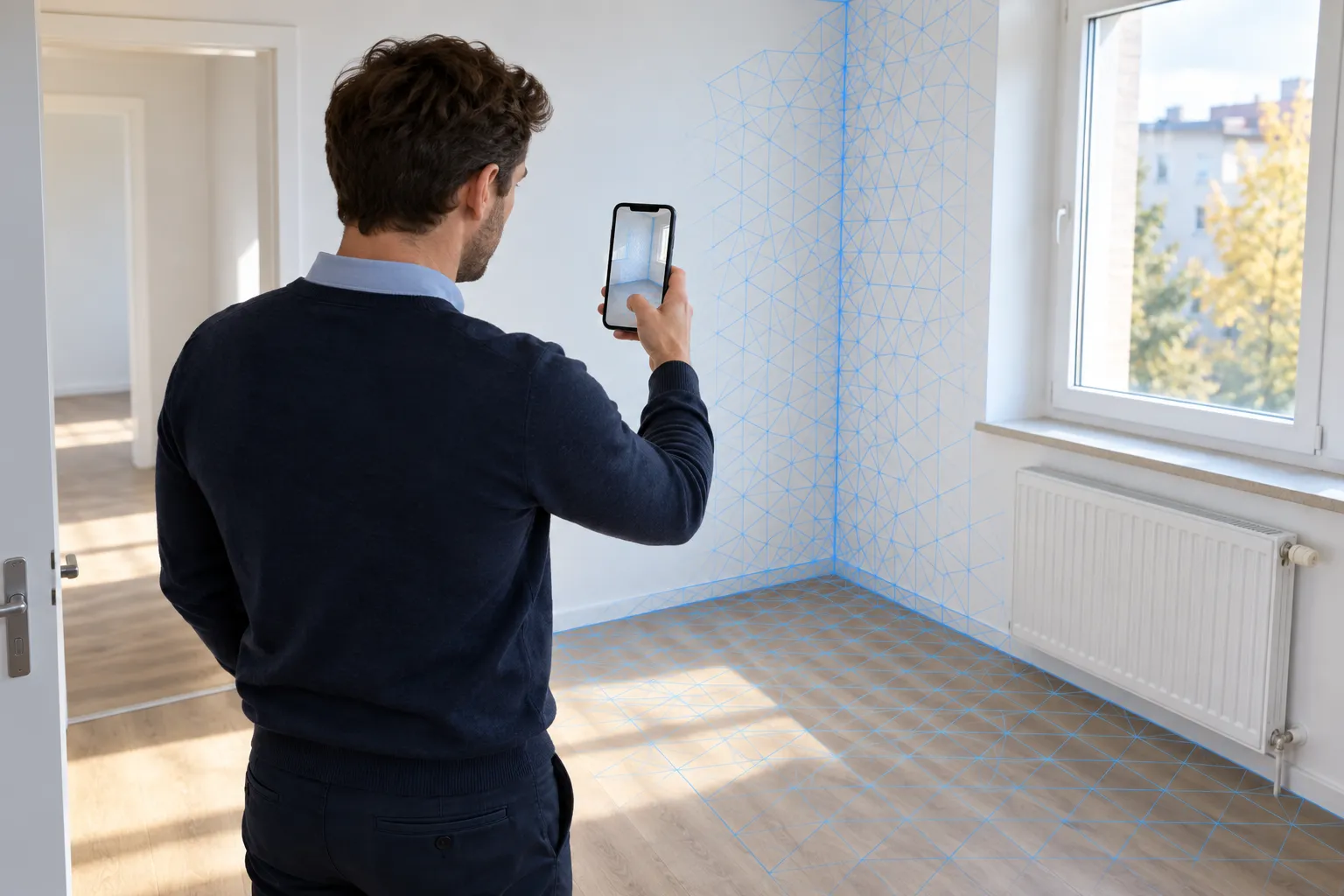
Capture accessible rooms and visible surfaces in 3D. Add spatial context to your photos and handover report so your team can revisit the property later.
Move-in · Move-out · Property inspection

BAUMASCAN FOR REAL ESTATE MANAGEMENT & DOCUMENTATION
Capture rooms in 3D during handovers and inspections. Check missing measurements later on captured surfaces and discuss the documented condition with your team or contractors.
Capture at the property. Continue in the office.
Check dimensions later
Document property conditions
Clarify questions together
THE QUESTION OFTEN COMES UP AT THE OFFICE
How wide is the niche? Where exactly is the damaged wall surface? After the inspection, measurements or the connection between individual photos are often missing. A previously recorded 3D scan helps you see the spatial situation again.
Capture the visible condition of rooms digitally with BaumaScan. The scan supplements your property records and helps property managers, maintenance teams and contractors resolve questions.
FROM HANDOVER TO MAINTENANCE
APARTMENT HANDOVER
Capture accessible rooms and visible surfaces in 3D. Add spatial context to your photos and handover report so your team can revisit the property later.
Move-in · Move-out · Property inspection
CONDITION & MAINTENANCE
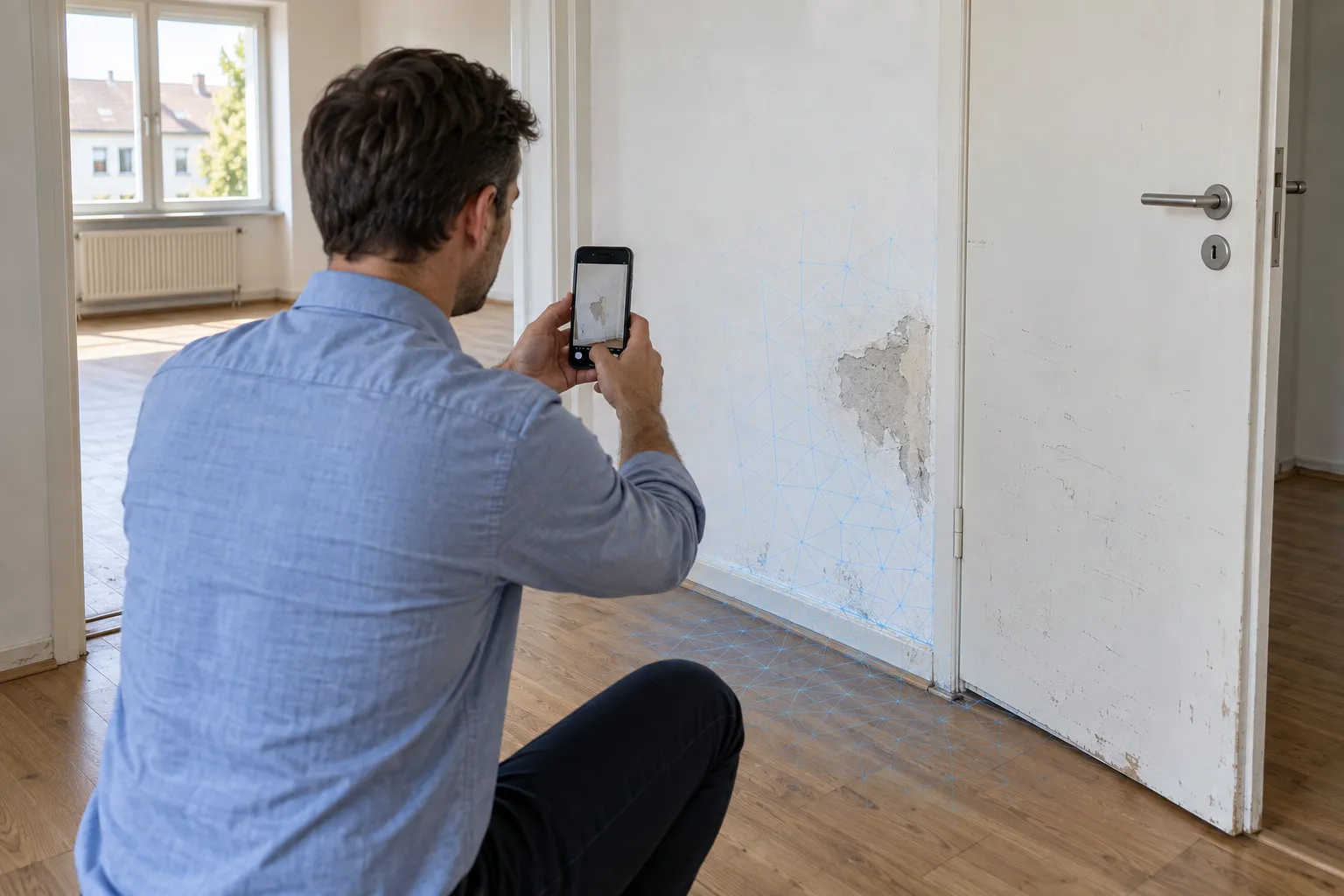
Document visible signs of wear and the surrounding area. Show contractors where an issue is and what it looks like on site. Add close-up photos and notes for small details.
Visible status · Queries · Action planning
ROOM MEASUREMENTS & COORDINATION
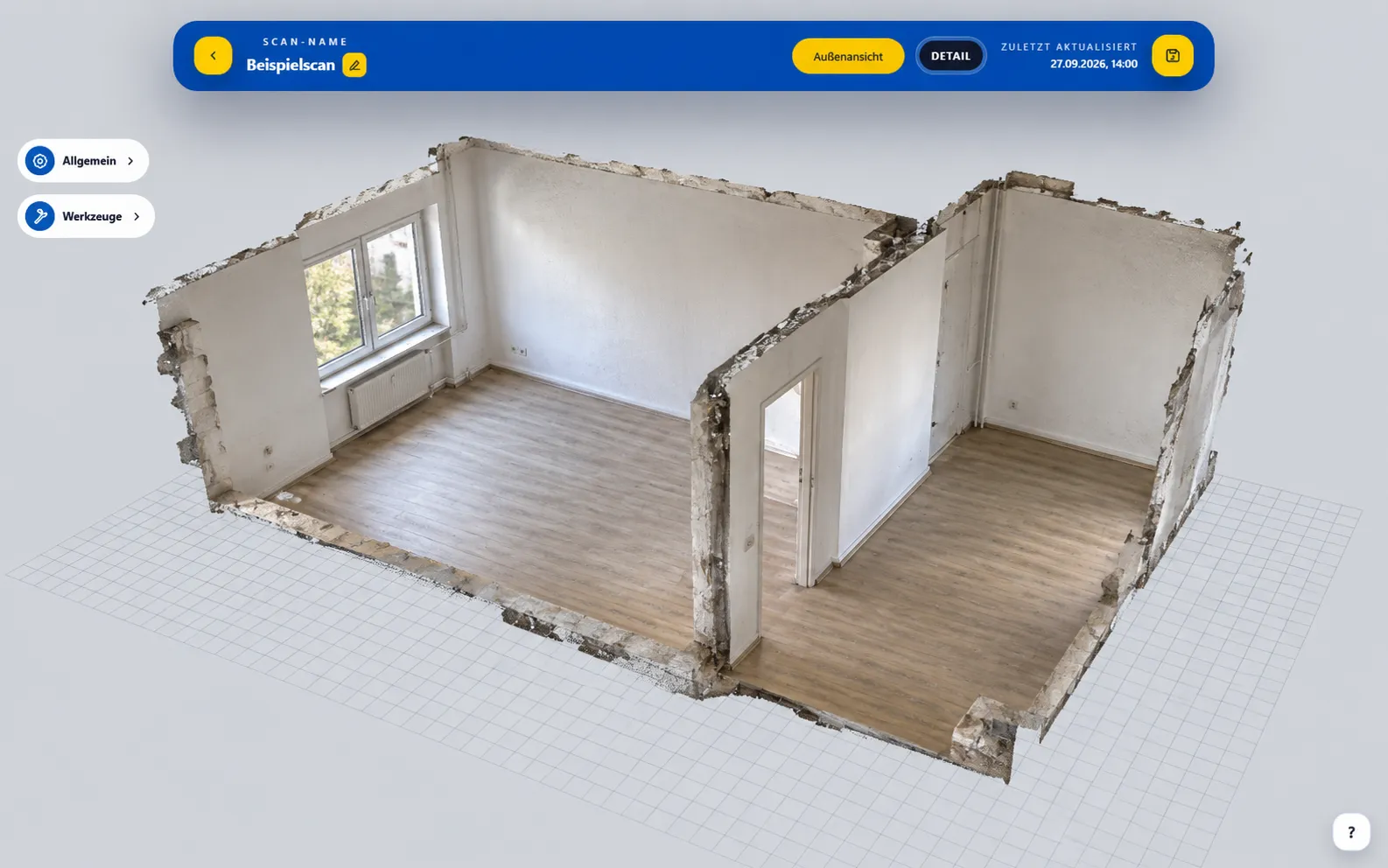
Check measurements on captured wall and floor surfaces in the portal. This helps answer room-related questions and plan work, provided the relevant area was fully captured.
Room dimensions · Installation layout · Contractor coordination
FROM THE VISIT TO THE PORTAL
BaumaPortal with an example of a visualized apartment model.Walk through the accessible area with the smartphone. Capture walls, floors, openings and details relevant to your documentation.
Name scans by property, unit, room and inspection so your team can find the right scan when questions arise.
Open the processed model, check dimensions and clarify any questions together with those involved.
BAUMASCAN APP + BAUMAPORTAL
From your smartphone to property management: open the captured room in your browser. Discuss the layout with maintenance teams and contractors using the full spatial context rather than isolated photos.
Get to know the portal ↗View recorded rooms and visible surfaces from different perspectives.
Check dimensions of recorded surfaces and clarify any questions.
Share scans or export models to compatible software.
MORE QUESTIONS?
Scan accessible rooms at handover using a compatible smartphone. Label the scan by property, unit and room. Keep agreed details, close-up photos and signatures in your handover report; the scan supplements this process.
If the area or edge in question has already been completely recorded, you can check its dimensions in the BaumaPortal. Missing, obscured or incompletely recorded areas cannot be subsequently reconstructed from the scan.
You can record visible surfaces and their spatial context. Depending on the capture, small cracks and fine details may not be clearly visible, so document them with additional close-up photos and notes. The scan does not determine the cause of damage.
BaumaScan provides additional spatial documentation. Information about keys, meter readings, agreements or signatures still belong in your designated handover process.
Yes. Capture different conditions as separate scans and label them clearly by property and inspection. This makes it clear which scan belongs to which visit. It does not imply automatic damage detection or change analysis.
Open the processed scan in BaumaPortal and share it with the people involved. Existing models can be exported as GLB files for compatible software.
BaumaScan supports iPhone 13 Pro and Pro Max as well as newer Pro models. Android requires ARCore Depth. The device search on the app page helps with the selection.
YOUR NEXT INSPECTION. WITH YOU IN 3D.
Whether handing over the apartment, inspecting the property or maintaining it: let’s talk about your real estate documentation.
YOUR QUESTIONS. ANSWERED IN PERSON.
Still unsure or have questions? Tell us about your day-to-day work. In a free 15-minute consultation, we will explore how you could use BaumaScan.
Prefer to try it yourself? Open the portal demoChoose your desired date at Calendly.