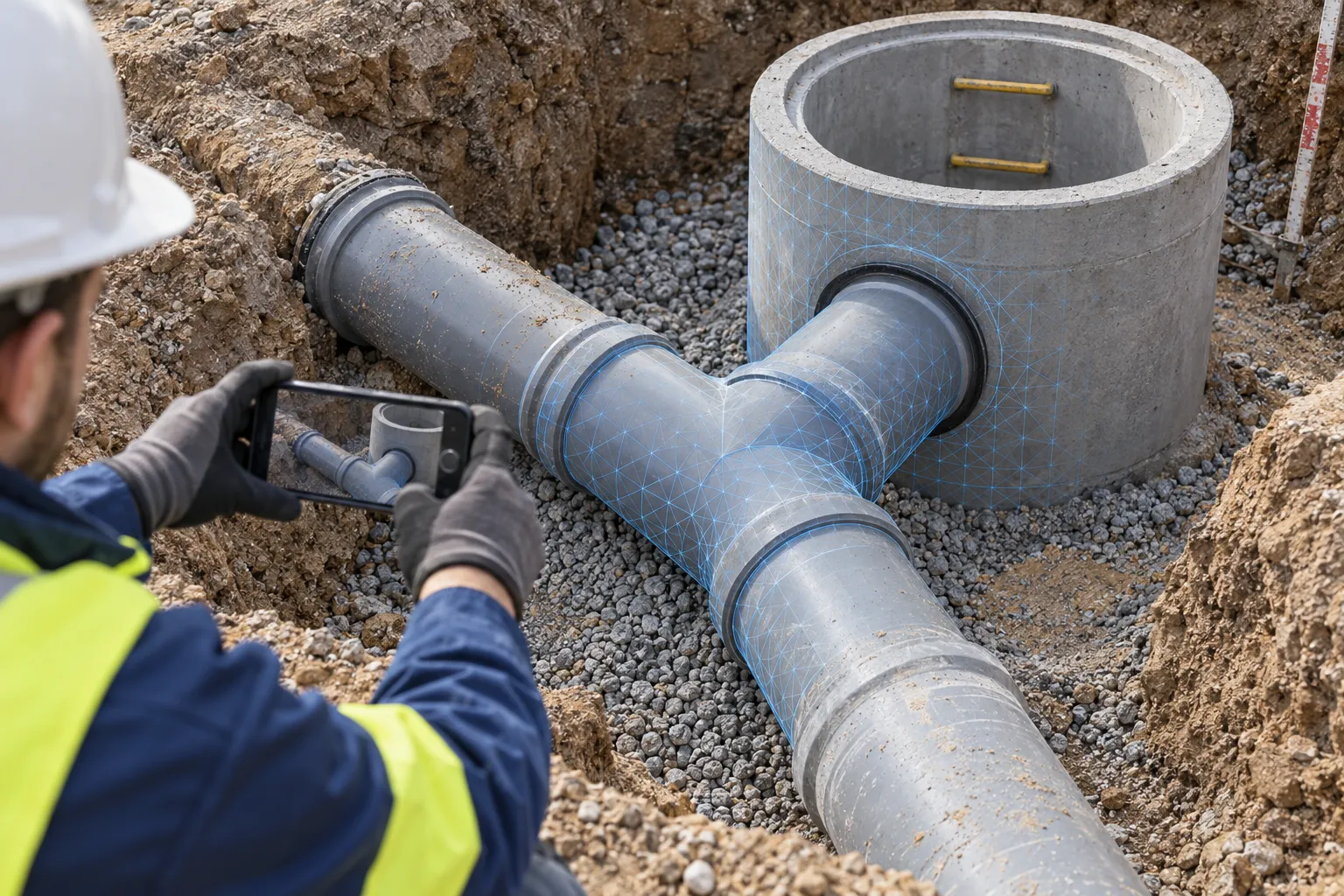
Civil engineering company
Document utilities before backfilling.
Capture utility routes, connections and inspection chambers section by section before backfilling. The completed installation remains documented for future questions.

BAUMASCAN FOR CIVIL ENGINEERING
Missing a measurement or unsure where a utility runs? Capture exposed utilities, inspection chambers and connections as a 3D scan with your smartphone. Check the captured details later in BaumaPortal, even after the trench is backfilled.
Capture with your smartphone. Continue working in the BaumaPortal.
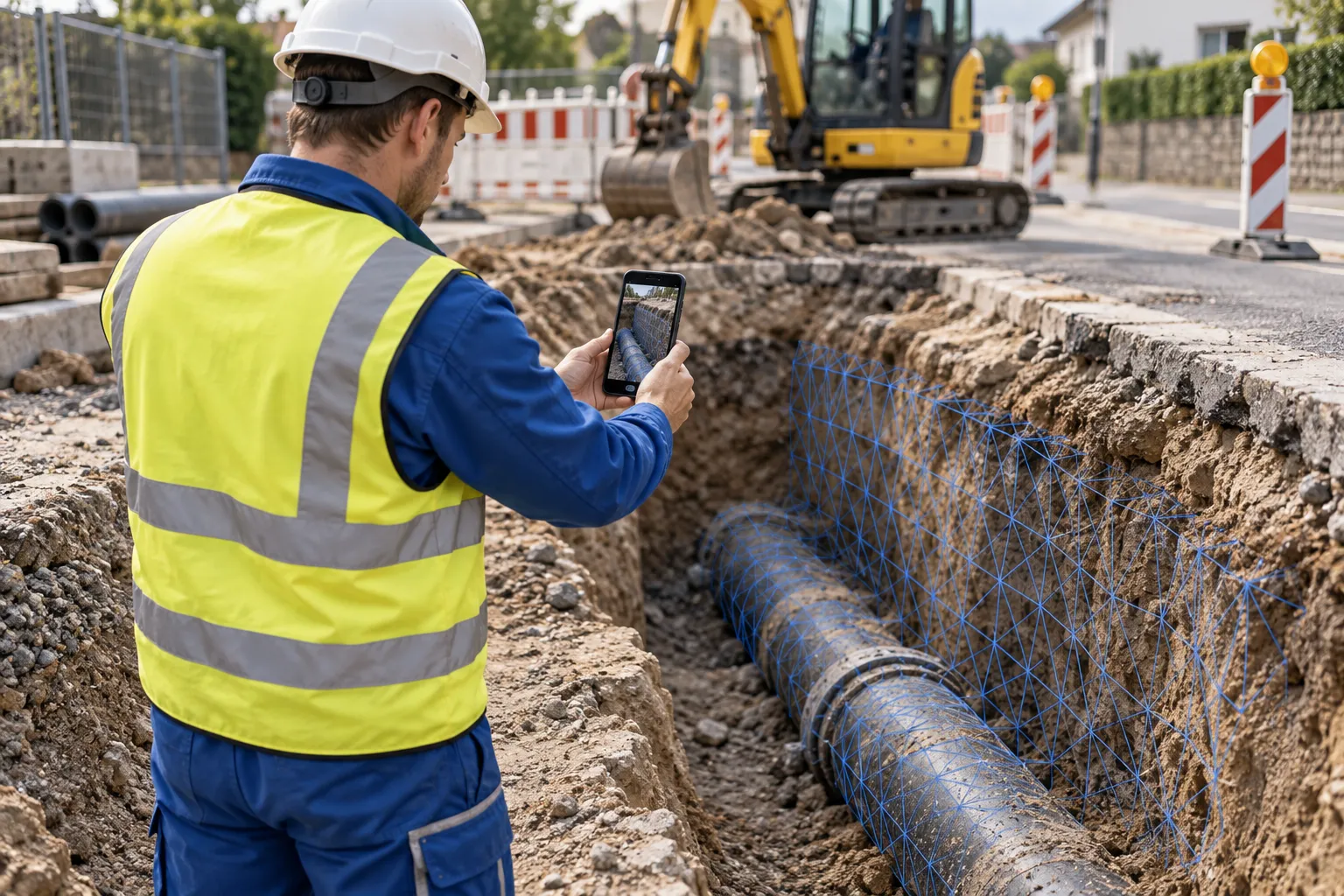
Civil engineering company
Energy supplier
Fiber network contractors
THE KEY MOMENT: BEFORE BACKFILLING
A connection measurement is missing from the sketch, the photo cuts off the trench edge, and the crew is already working on the next section. A 3D scan captured beforehand helps you revisit the documented area and check details.
BaumaScan gives you a 3D record of the visible site condition: utilities, installed features and their surroundings. Your team has a shared reference for questions, coordination and documentation.
Record the open construction state before it is covered.
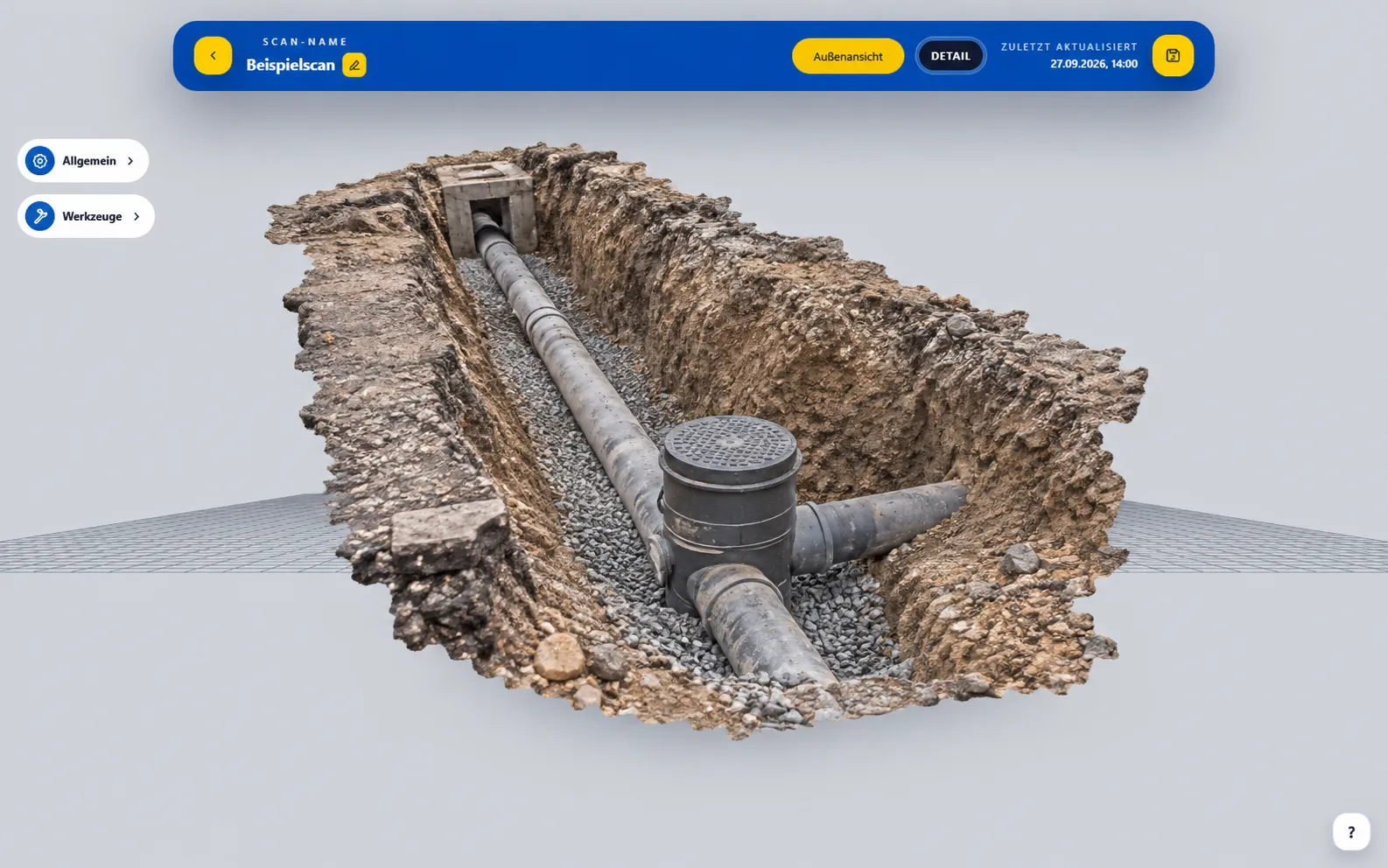
View recorded details and clarify questions about the model.
Example views for illustration: current portal interface with illustrative 3D model.
FROM THE OPEN TRENCH TO THE OFFICE
Capture the accessible area with your compatible smartphone. Scan utilities, connections and the surrounding area from several angles.
Check app & devices →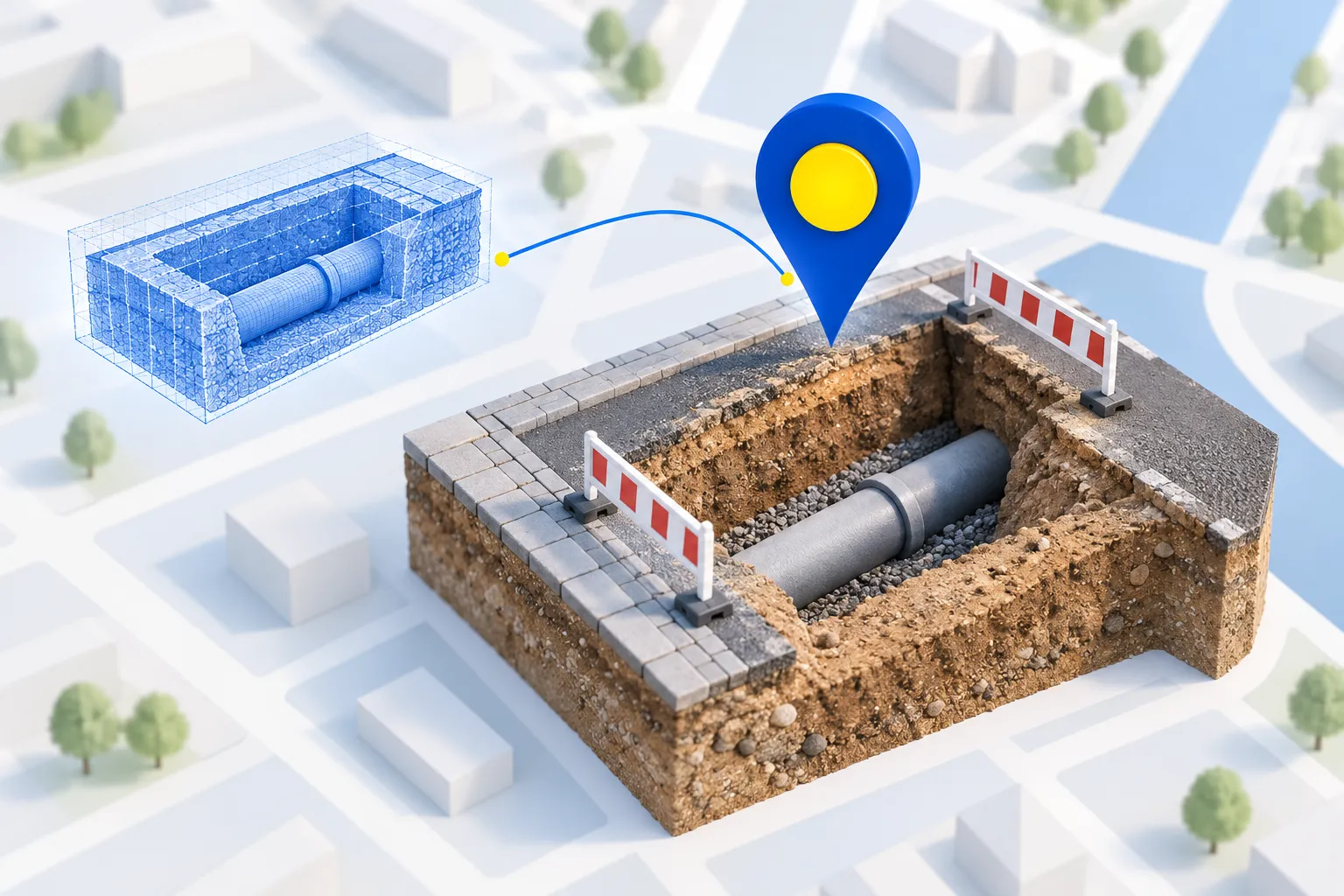
Available GPS data supplements the scan with its recording location. Name the scan appropriately for the construction site and section so that your team can find it again.
Location tagging depends on GPS reception and device permissions.Open the processed 3D model in your browser. Review details, check measurements and share the documented condition with the people involved.
Get to know BaumaPortal →THE CONSTRUCTION SITE REMAINS ACCESSIBLE
A query from the office? Open the documented section in the BaumaPortal and view it from the appropriate perspective.
YOUR TRADE. YOUR DOCUMENTATION.
Civil engineering company
Capture utility routes, connections and inspection chambers section by section before backfilling. The completed installation remains documented for future questions.
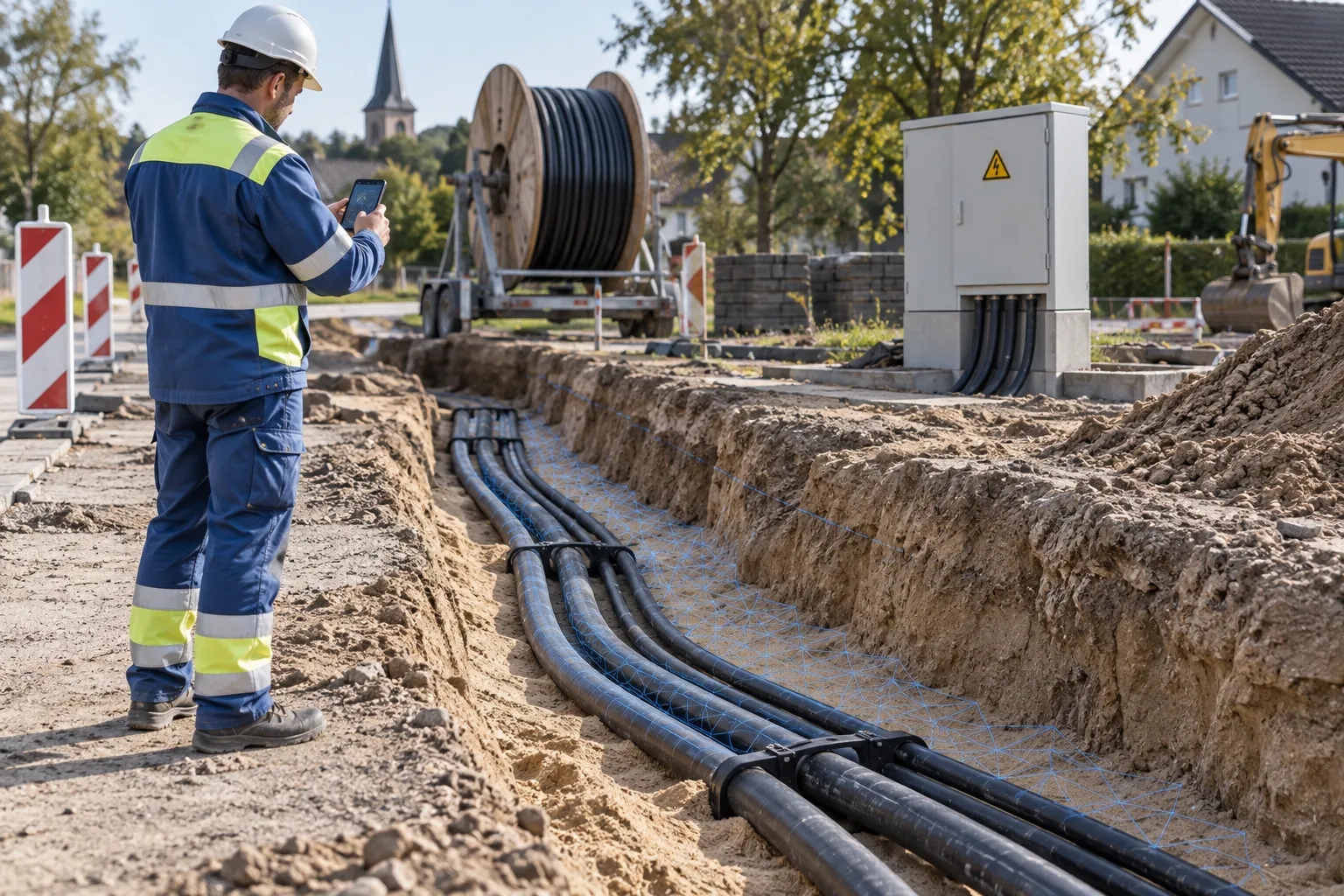
Energy suppliers & network construction
Document open cable trenches and visible installed features in 3D. Site managers and operations teams can review the captured condition together later.
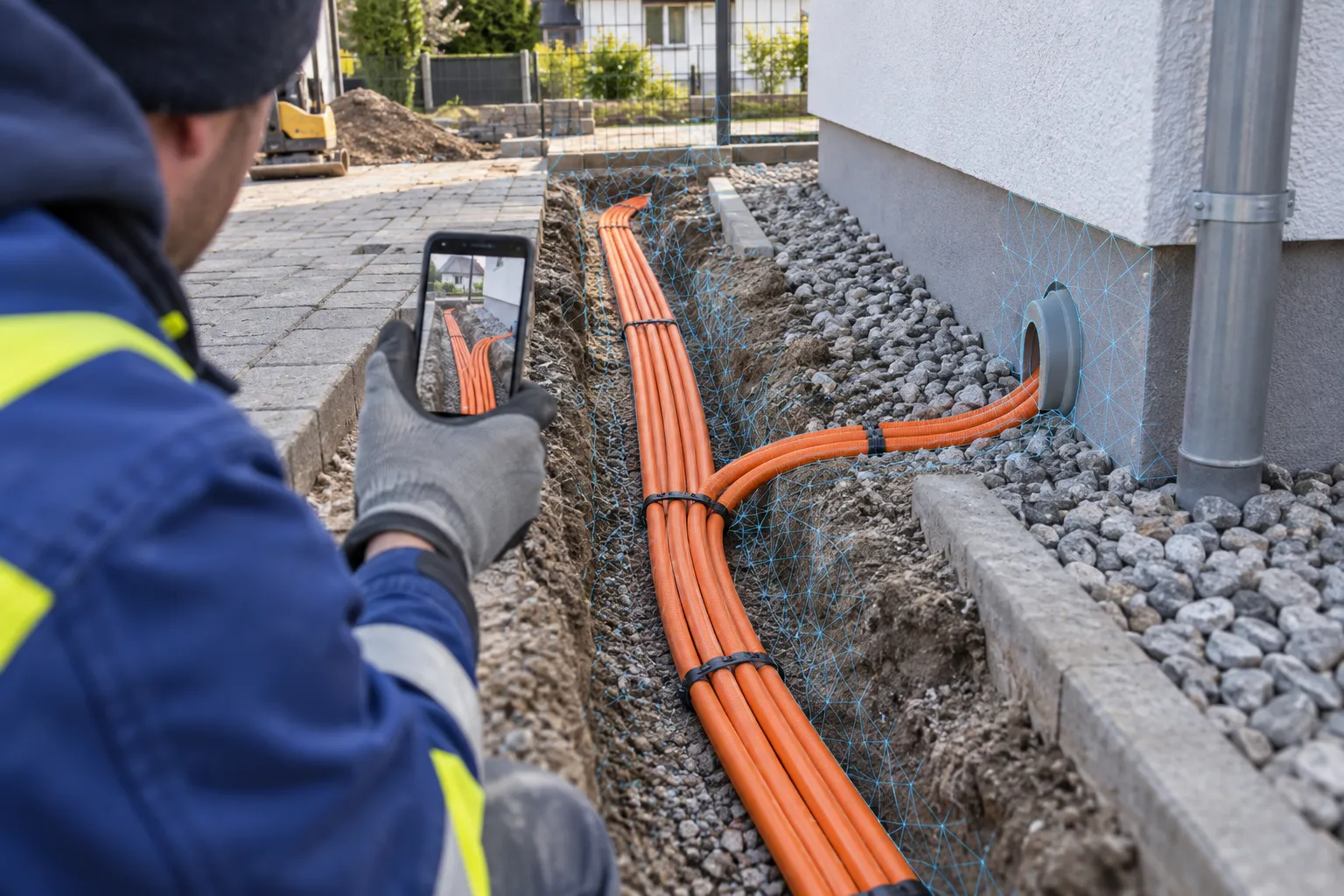
Fiber network rollout
Capture ducts, branches and building connections while the trench is open. The scan keeps a record of the site layout for later questions.
FROM SCANS TO YOUR WORKFLOW
Export models for further work in compatible software. To connect them with your company systems, we can discuss your specific workflow.
Discuss integration ↗3D capture + available location data
View model, check dimensions, export GLB
Confirm import options and integration for your target system
MORE QUESTIONS?
If the area was fully scanned, you can check the missing measurement on the captured surfaces in BaumaPortal. A detail missing from the scan cannot be reconstructed afterwards.
Scan the open trench from several angles with your smartphone. Include visible utility routes, connections and the surrounding area. Name the scan by site and section, and check the processed model before important details are covered.
Visible pipes and cables, ducts, inspection chambers, connections and the surrounding excavation. Scan while the trench is open, before backfilling. The scan cannot reveal utilities that are already covered.
The 3D scan spatially maps the captured surfaces. Available location data complements the scan to assign the construction site. GPS accuracy depends on device and reception; This does not result in a centimeter-accurate position measurement.
Open the processed model in BaumaPortal and check measurements on captured surfaces. Completeness and measurement quality depend on factors including capture, visibility and processing.
Export existing 3D models as GLB files. Whether and how your software can use the data depends on the target system. We can review data formats and requirements together for your integration workflow.
The iOS app supports iPhone 13 Pro and Pro Max as well as newer Pro models. Android requires support for ARCore Depth. You can check your model on the app page.
BEFORE THE NEXT TRENCH IS BACKFILLED
Show us how you document your sites today. Together, we will explore how BaumaScan could fit your daily workflow.
Talk about your construction sites ↗YOUR QUESTIONS. ANSWERED IN PERSON.
Still unsure or have questions? Tell us about your day-to-day work. In a free 15-minute consultation, we will explore how you could use BaumaScan.
Prefer to try it yourself? Open the portal demoChoose your desired date at Calendly.