BaumaScan
← Areas of application

FOR PLUMBING, HEATING & AIR CONDITIONING

Document plumbing, heating
and air conditioning
digitally.
Wall covered?
The scan stays.

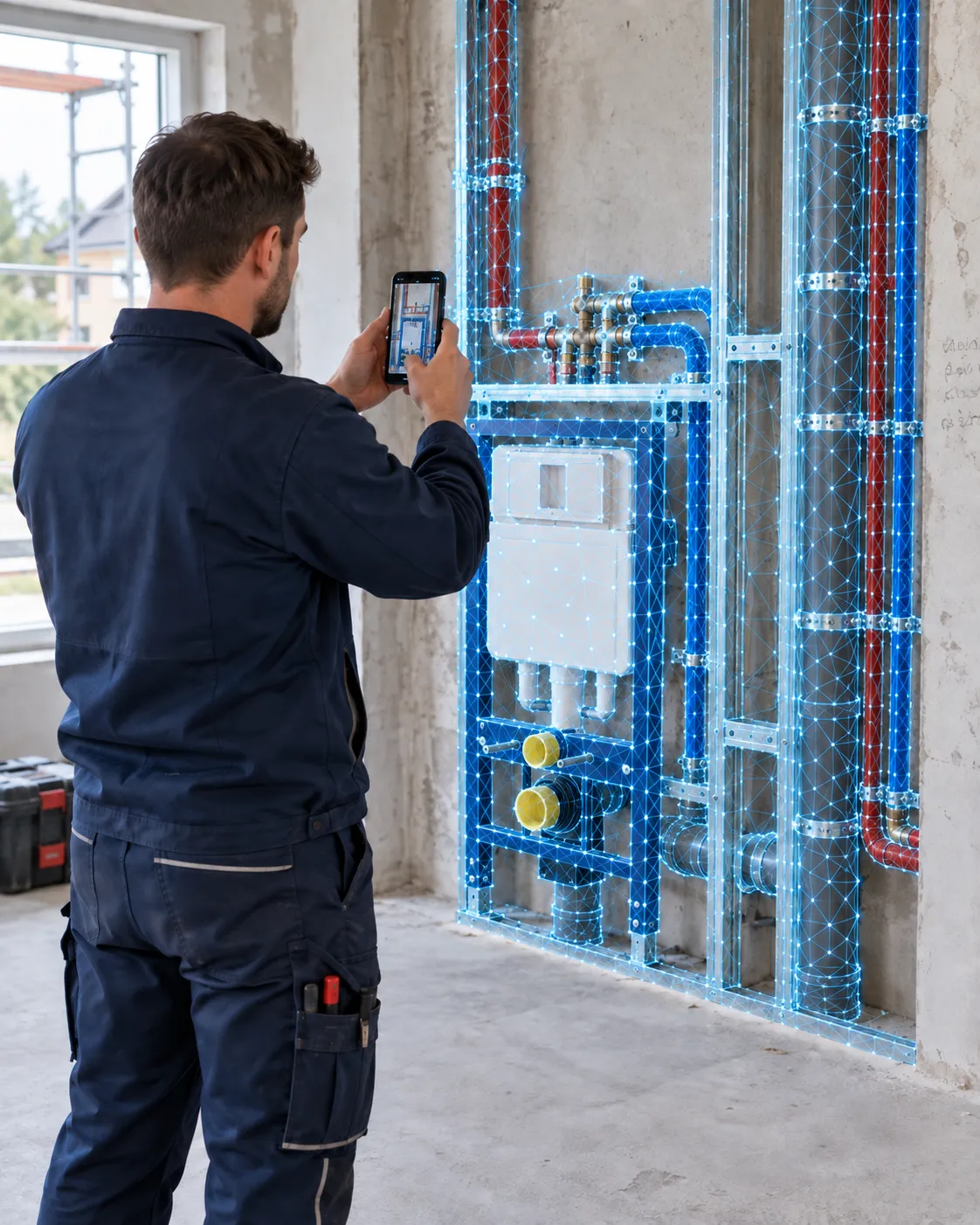
Missing a connection measurement? Is the pipework already covered? Capture your plumbing and HVAC installations in 3D while they are visible. Check the captured details later in the portal and resolve questions with your team.

Capture on site. Keep working at the office.

A tradesperson uses a smartphone to document exposed pipes and connections before a wall is closed up.
Capture before covering. Refer back later.
FOR YOUR DAY-TO-DAY WORK ON SITE

Check dimensions later

Document what will be covered

Clarify questions together

THE QUESTION OFTEN COMES UP AT THE OFFICE

Missing a connection measurement?
Check the installation in the scan.

How far is the connection from the wall? Where does the branch run? Once the covering is in place, a single photo often cannot answer these questions. A 3D scan captured beforehand preserves the spatial context.

Document visible installations and their surroundings with BaumaScan. Your team can revisit that condition in the portal to answer office questions, coordinate on site or support a clear handover.

THREE TRADES. ONE SHARED RECORD.

Capture plumbing, heating and ventilation
before they are covered.

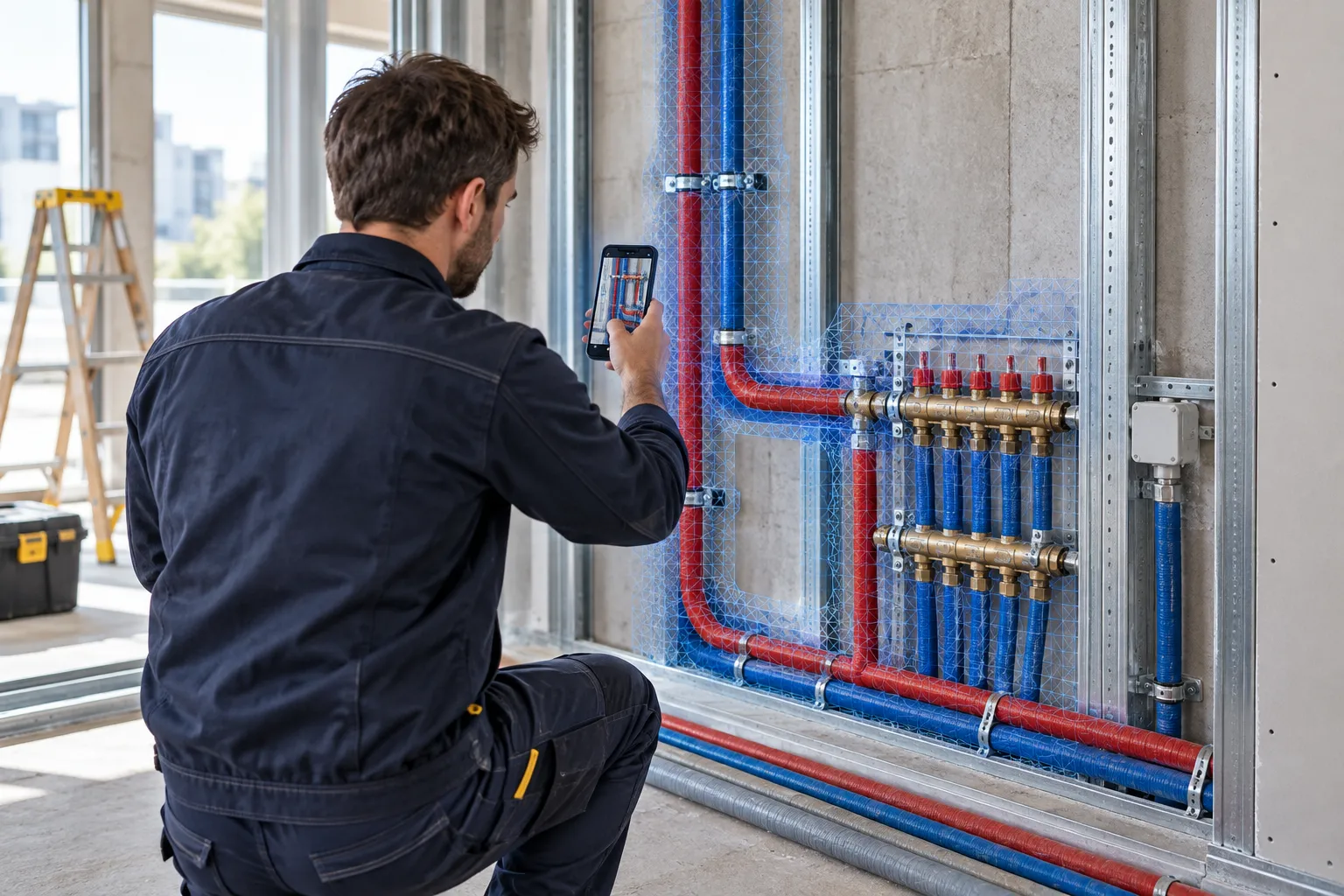
A tradesperson scans exposed pipework before a wall is closed up.
01

PLUMBING

Document pipes before the wall is closed.

Capture visible water and wastewater pipes, branches and connections before they are covered. Refer to the documented layout later when questions arise.

Pipe runs Β· Connections Β· Concealed plumbing installations

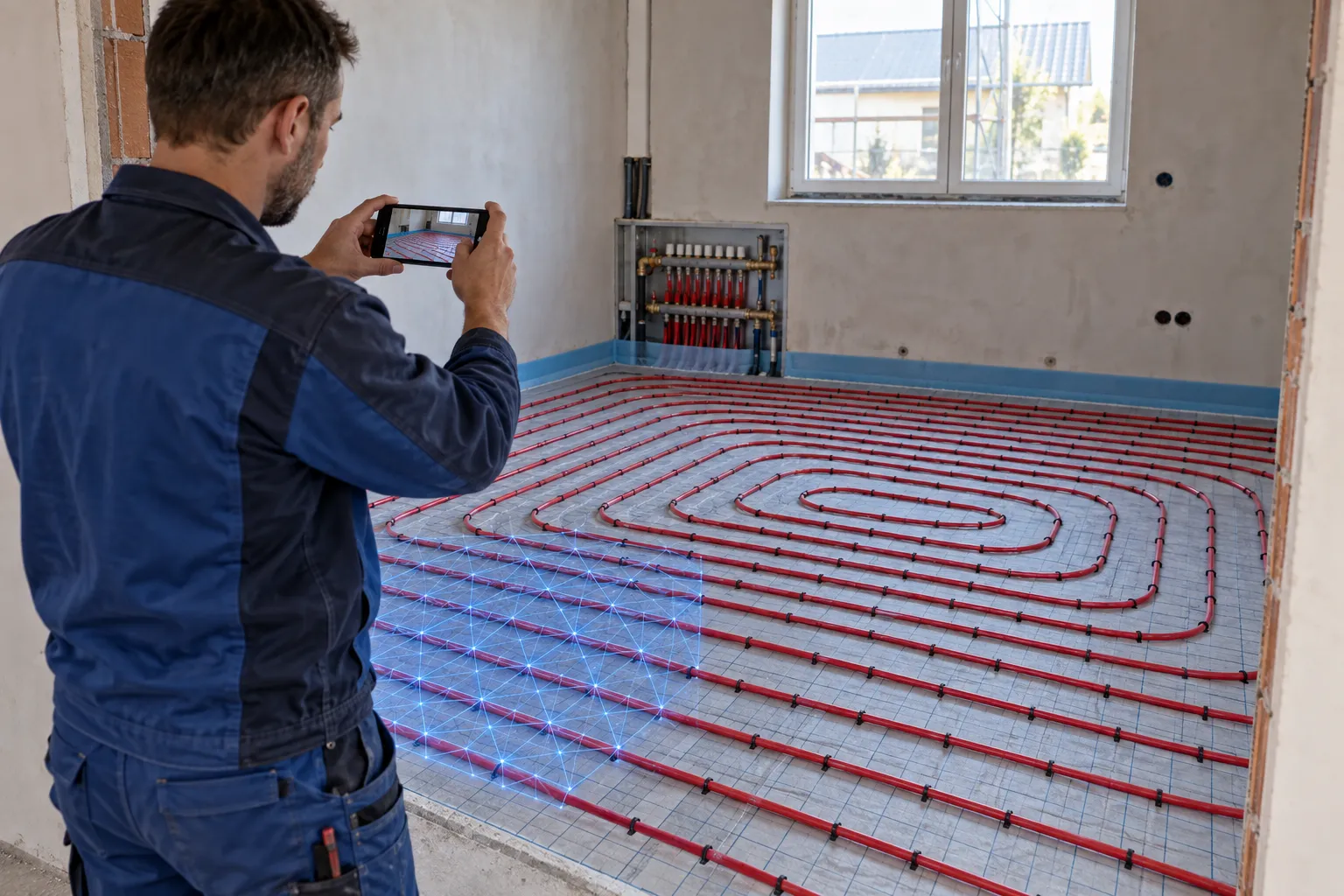
A heating installer documents exposed underfloor heating pipes before the screed is poured.
02

HEATING

Document underfloor heating before screeding.

Document visible heating circuits, manifolds and connections before they are covered. Separate scans help you review the completed installation at handover and answer questions later.

Heating circuits Β· Manifolds Β· Pipe routing

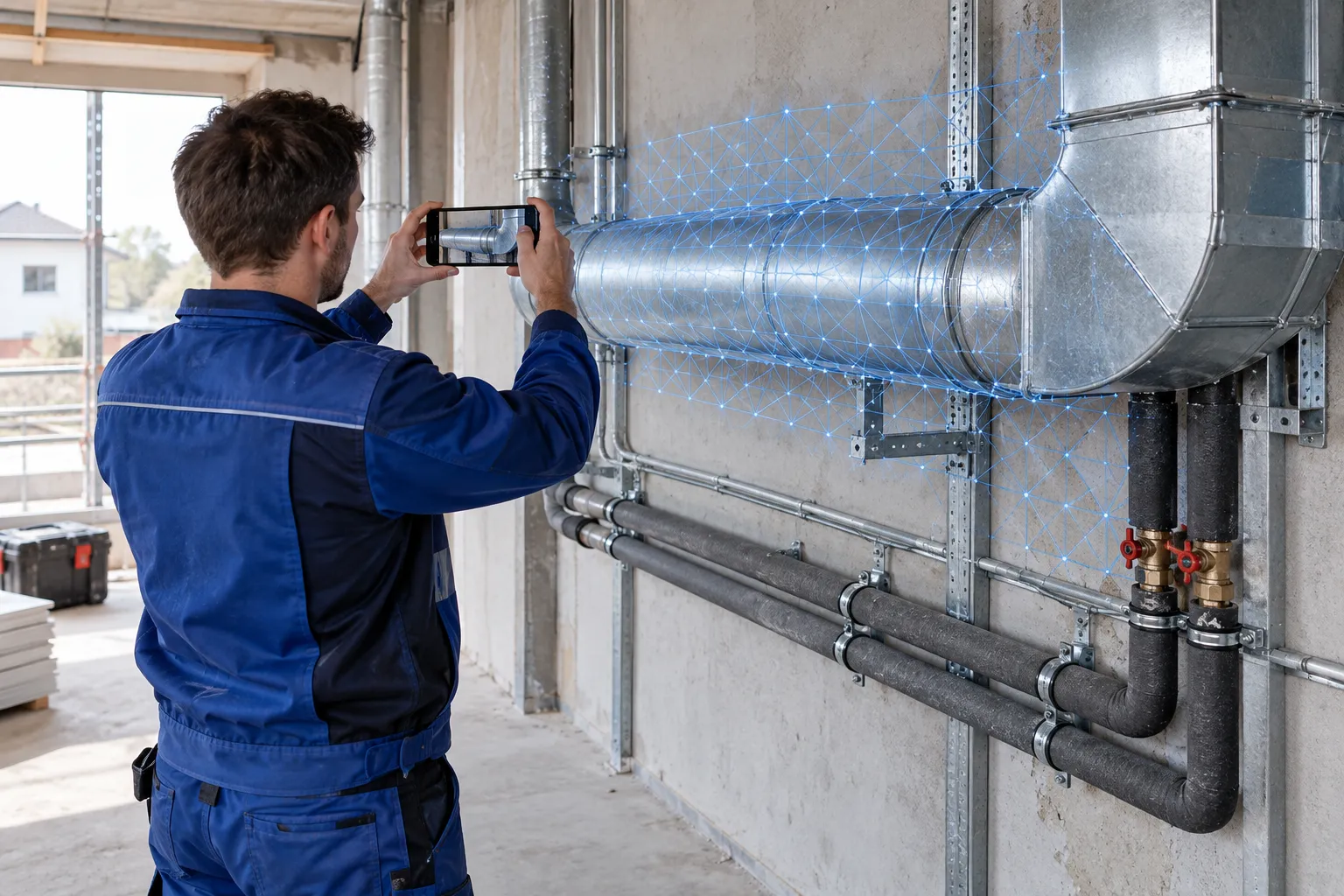
A specialist uses a smartphone to capture a visible ventilation duct and pipes before they are covered.
03

AIR CONDITIONING & VENTILATION

Capture ventilation ducts and installation layouts.

Capture duct routes, branches and their visible surroundings in 3D. Review the available installation space and discuss questions about the completed work together using the scan.

Ventilation ducts Β· branches Β· installation space

FROM THE CONSTRUCTION SITE TO THE PORTAL

Document installations digitally:
from the smartphone to the portal.

Does this work with my phone?Check your model in the device search
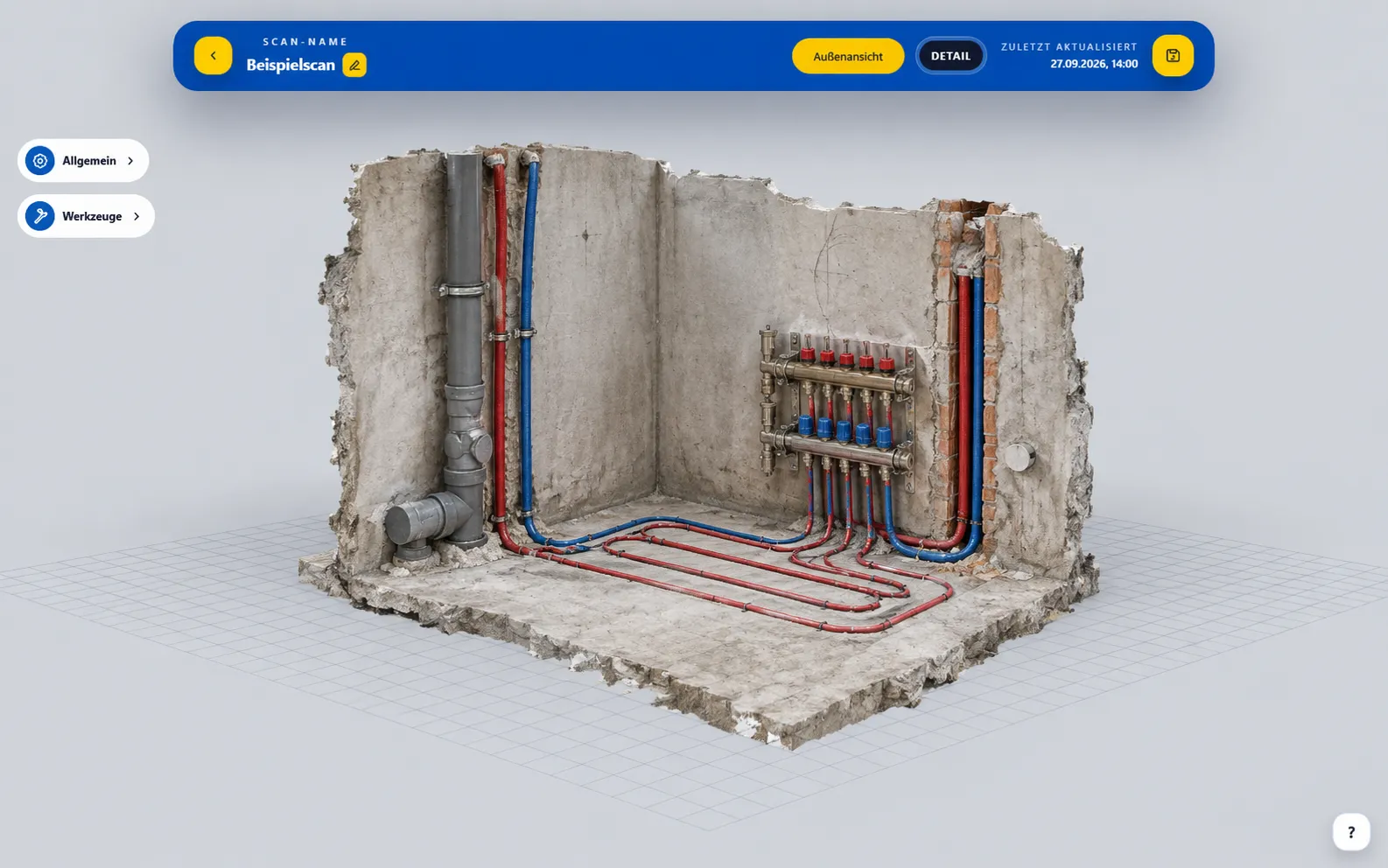
Portal view of an HVAC and plumbing installation recorded as a 3D model.BaumaPortal with an example of a visualized HVAC and plumbing installation.
  1. 01 Β· CAPTURE

    Scan relevant areas

    Capture visible pipe runs, connections and adjacent building elements from several angles before walls, ceilings or floors are closed up.

  2. 02 Β· ORGANIZE

    Name the project, room and construction phase

    Use clear labels for the project, floor and room so your team can find the right installation record later.

  3. 03 Β· CONTINUE WORKING

    View and share in the portal

    Open the processed model, check dimensions and clarify any questions together with those involved.

BAUMASCAN APP + BAUMAPORTAL

Another question?
Open your construction site.

From your smartphone to the office, the documented condition stays available to your team. Everyone can view the same model and discuss details directly.

Get to know the portal β†—
01

Explore in 3D

View recorded areas and installations from different perspectives.

02

Check measurements in the model

Check dimensions of recorded surfaces and clarify any questions.

03

Continue working together

Share scans or export models to compatible software.

GOOD SCANS START ON SITE

Three things
that are worthwhile.

Scan process & device check β†’

MORE QUESTIONS?

BaumaScan
for plumbing and HVAC businesses.

Forgot a measurement during a plumbing or HVAC installation?

If the area was fully scanned beforehand, check measurements on captured surfaces in BaumaPortal, such as distances between visible connections and building elements. Missing or hidden details cannot be recovered from the scan later.

How do I document pipes before plastering or cladding?

Scan exposed pipes, connections and adjacent building elements from several angles. Label the scan by project, room and construction stage. Check the capture before the installation is covered.

Can I scan underfloor heating before screeding?

Visible heating pipes, manifolds and their surroundings can be documented in 3D before screeding. Ensure good lighting and an unobstructed view. The scan supplements your documentation; it does not replace required inspection or acceptance reports.

Can BaumaScan see pipes and cables through walls?

No. BaumaScan captures visible surfaces. To refer back to pipes and installations later, scan them before the wall is closed up or the covering is installed.

How accurate are measurements in the 3D model?

Measurement quality depends on the device, capture and processing. Thin, shiny or obscured pipes may be harder to capture. Check that the model is complete and accurate enough for your intended use.

Can my team view the installation documentation?

Open the processed scan in BaumaPortal and share it for coordination. Office staff, installers and other participants can discuss the same documented condition. Existing models can also be exported as GLB files.

Which smartphones are suitable?

For iOS, BaumaScan supports iPhone 13 Pro and Pro Max as well as newer Pro models. Android requires ARCore Depth. On the app page you will find a search for the supported devices.

YOUR NEXT PROJECT. WITH YOU IN 3D.

Bring more of your site
back to the office.

Plumbing installations, heating circuits or ventilation ducts: let’s talk about documentation in your business.

YOUR QUESTIONS. ANSWERED IN PERSON.

Is BaumaScan right
for your business?

Still unsure or have questions? Tell us about your day-to-day work. In a free 15-minute consultation, we will explore how you could use BaumaScan.

Prefer to try it yourself? Open the portal demo
15 minutes for your questionsFree of charge and without obligation
Book a free consultation (Calendly opens in a new tab)

Choose your desired date at Calendly.

BaumaScan

YOUR SITE. CAPTURED DIGITALLY.

30 days.
Every feature.

Try BaumaScan and BaumaPortal free for 30 days. Capture your site in 3D and work with your scans directly in your browser.

Start your 30-day free trial

Available once per account when you subscribe through the portal. A credit card is required. After the trial, your chosen plan renews automatically as a paid monthly subscription unless you cancel beforehand.