
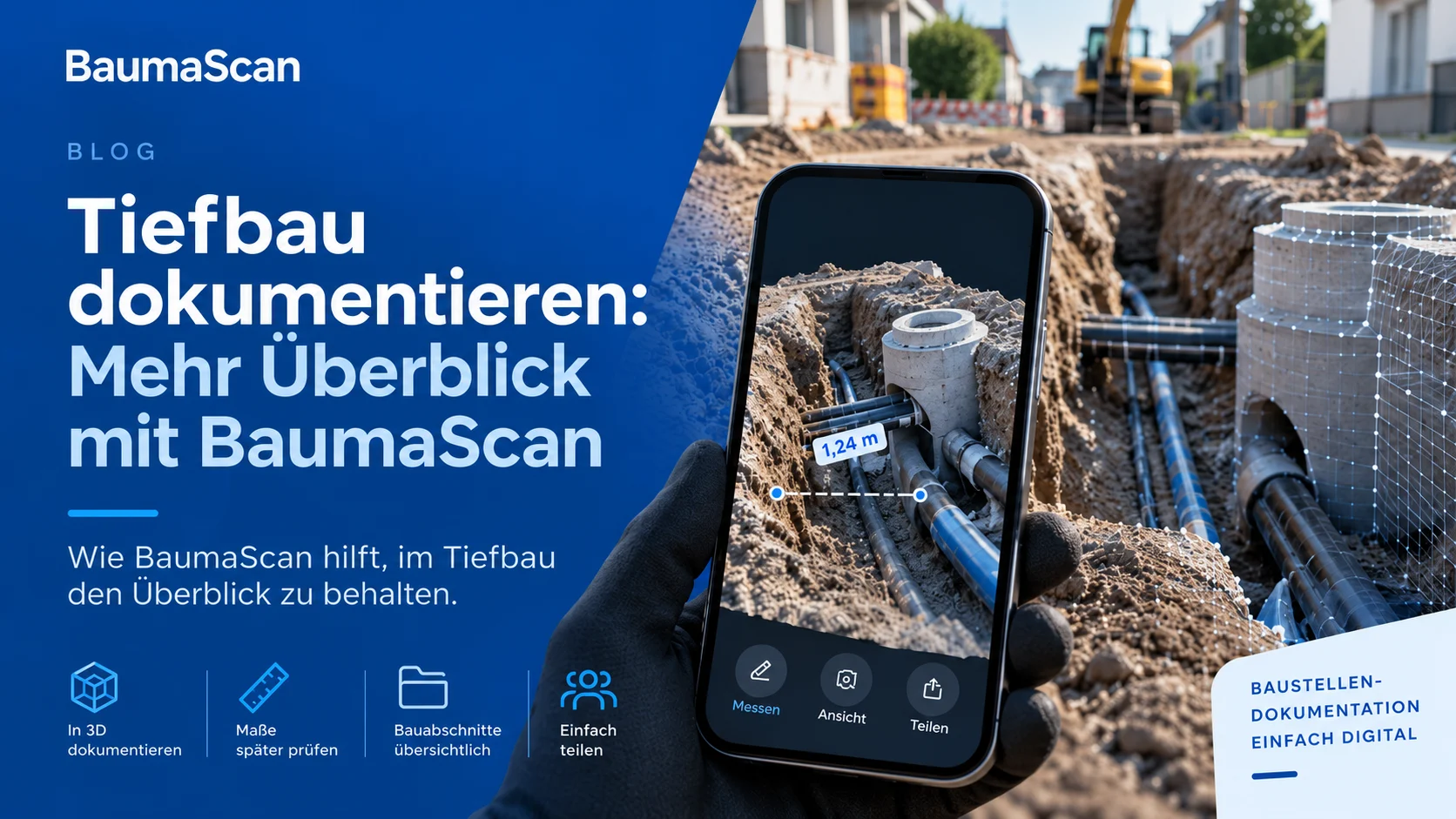
How BaumaScan helps you keep track of civil engineering projects
The trench is backfilled and the crew has moved on to the next section when a question comes from the office: Where did the connection run? How was it installed? Was the distance to the building edge recorded?
In civil engineering, timing matters when recording information. What is visible today may be underground tomorrow. Good documentation should show more than the fact that work was completed: it should make the completed installation clear.
Capture visible areas of your construction site as a 3D model with BaumaScan on your smartphone. In BaumaPortal, you can revisit the captured condition, check measurements and share the scan. Your records remain useful long after the next construction stage has begun. https://baumascan.com/
Document utilities before they are covered
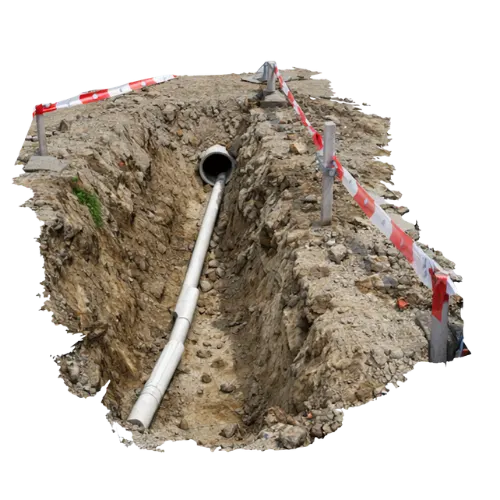
For utilities, ducts, inspection chambers and building connections, the timing of the scan is crucial. While the trench is open, you can capture visible installations together with their surroundings. BaumaScan preserves that condition in 3D so you can revisit it in the model. The scan cannot reveal utilities that are already covered. https://baumascan.com/tiefbau/
Make scanning a regular step before backfilling. Capture the surrounding area as well as the connection itself. Which building edge will help you orient yourself later? Which junction might raise questions? Capturing those relationships deliberately makes the record more useful afterwards.
Check missing measurements in the model later
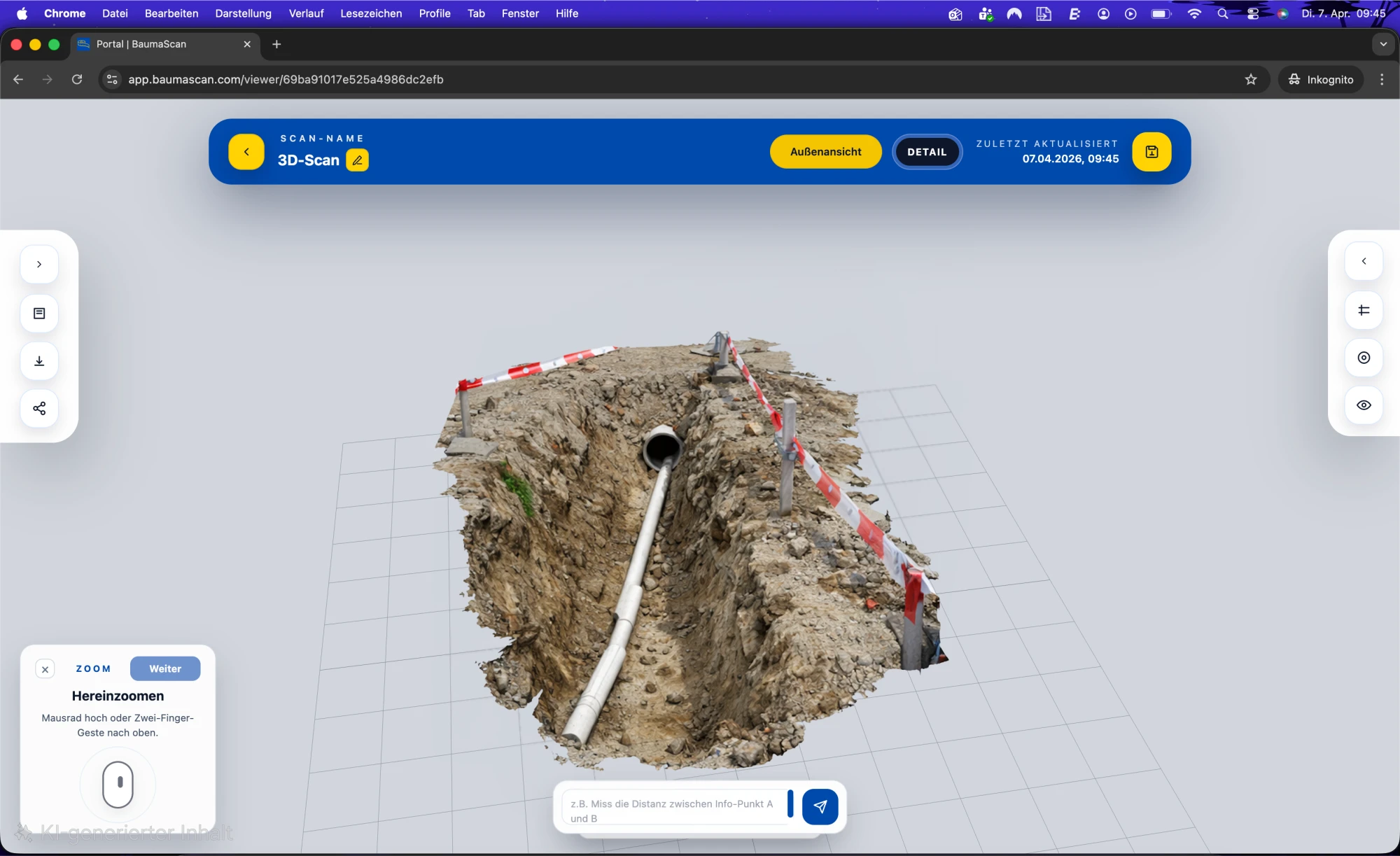
Back at the office, you realize a distance was not noted. BaumaScan lets you check measurements on captured surfaces later. In BaumaPortal, you can measure the distance between two selected points or mark out an area with several points. The required parts of the model must be captured sufficiently completely. https://baumascan.com/baumaportal/
A site scan becomes more than a way to view the work. Before making another trip for a missing measurement, check the scan first. Whether it answers your question depends on the detail captured and the measurement quality you need.
Keep clear records of each construction stage
Keeping track of several sites takes clear organization as well as good scans. Use folders in BaumaPortal to organize your records by project or construction section. https://baumascan.com/
Use a consistent naming scheme: site, section, scan date and construction stage. A name such as “Example Street – Building connection 12 – Before backfilling” says much more than “Scan 27”.
Capture selected intermediate stages as separate scans to document progress. You can then revisit the condition before backfilling or after a particular task. Treat each scan as a snapshot: it shows the condition captured at that time, which may differ from the current site condition.
Resolve questions directly on the 3D model
“The connection to the left of the inspection chamber” leaves room for misunderstanding. In BaumaPortal, you can rotate the model, zoom into details and add information points and notes. Invite other participants or create read-only links to share the view. https://baumascan.com/baumaportal/
Use the model as a shared reference for coordination. Show the location instead of describing it over the phone. Add a short note when a detail needs attention, so the next person knows exactly what the question refers to.
A practical example: Documenting a building connection
Imagine your team is installing a building connection. Before the trench is backfilled, you need to document the visible installation.
Using a supported smartphone, slowly capture the area from several angles. Include the connection, visible utility sections and adjacent surfaces. Upload the capture afterwards. Once processing is complete, open the model in BaumaPortal to keep working with it. https://baumascan.com/baumascan/
Give the scan a clear name and check the result before important details are covered. If a question about the connection comes up later, the documented condition is available to review. That is the workflow BaumaScan supports in civil engineering: capture before backfilling and refer to the recorded information afterwards. https://baumascan.com/tiefbau/
The organizational benefit is simple: documentation becomes part of completing each construction section, rather than something you think about only when information is missing.
Good scans start with careful capture
A useful scan starts with careful capture. Move your smartphone steadily, scan important edges and connections from different angles, and keep a clear view. Details that were not captured or were hidden cannot simply be added to the model later. Measurement quality also depends on the device, capture conditions and processing. https://baumascan.com/baumascan/
Decide in advance what questions the documentation should answer. Do you need an overview of a construction section, a record of a particular connection or distances you may need later? This helps you capture the right areas on site.
Conclusion: Capture site conditions before information is lost
Keeping track of civil engineering work means recording important information in time and being able to find it later. BaumaScan connects on-site capture with further work on the 3D model: viewing, measuring, organizing and discussing it together. https://baumascan.com/
Make scanning before backfilling a regular part of your workflow. Step by step, you build a record you can keep using after the site visit.
Discover BaumaScan for civil engineering and bring clarity to your site documentation.